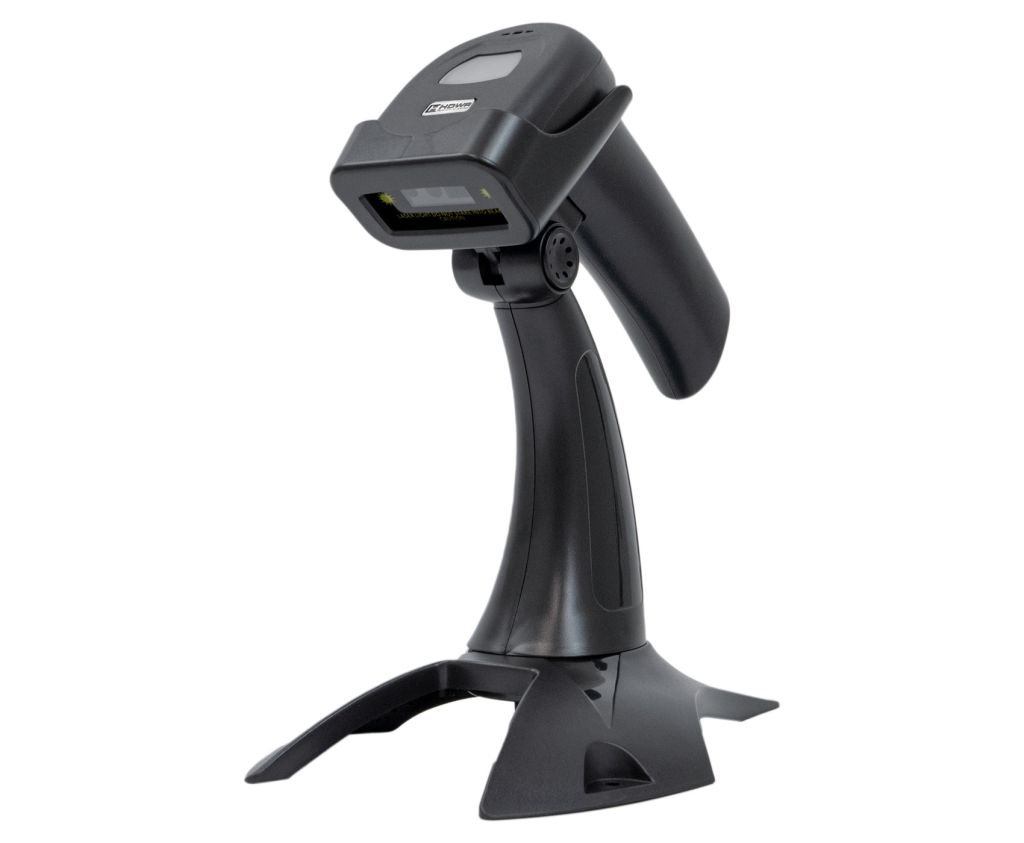
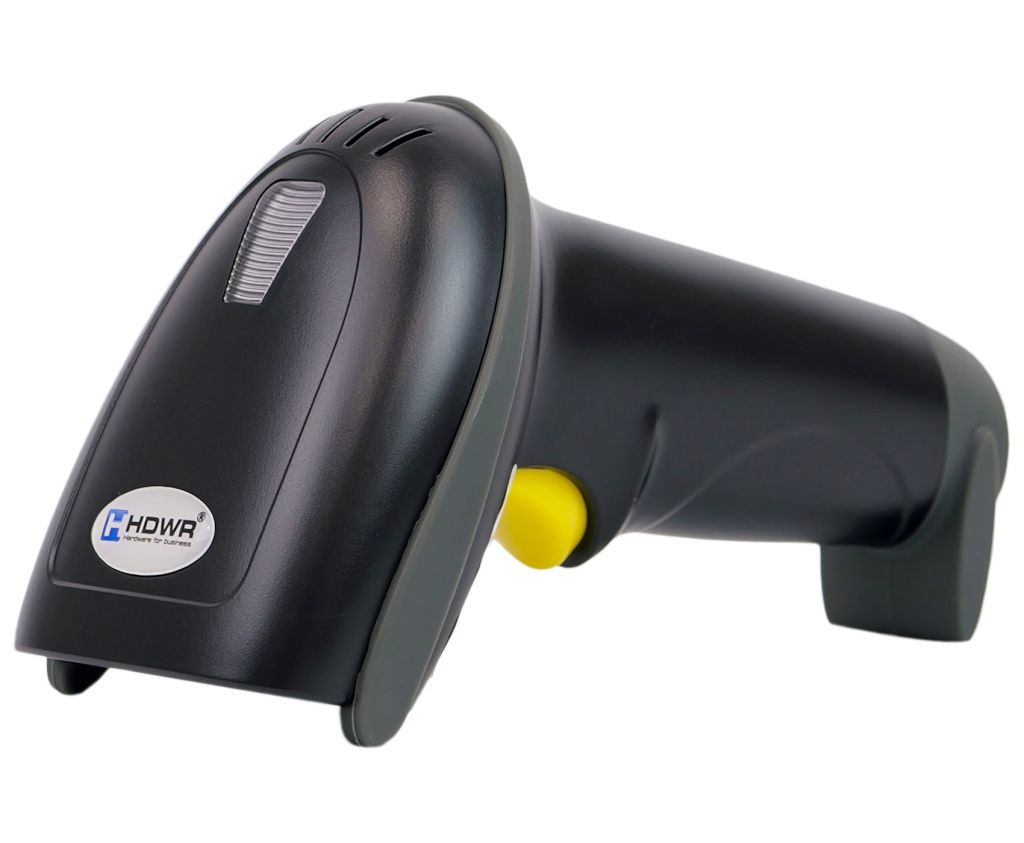
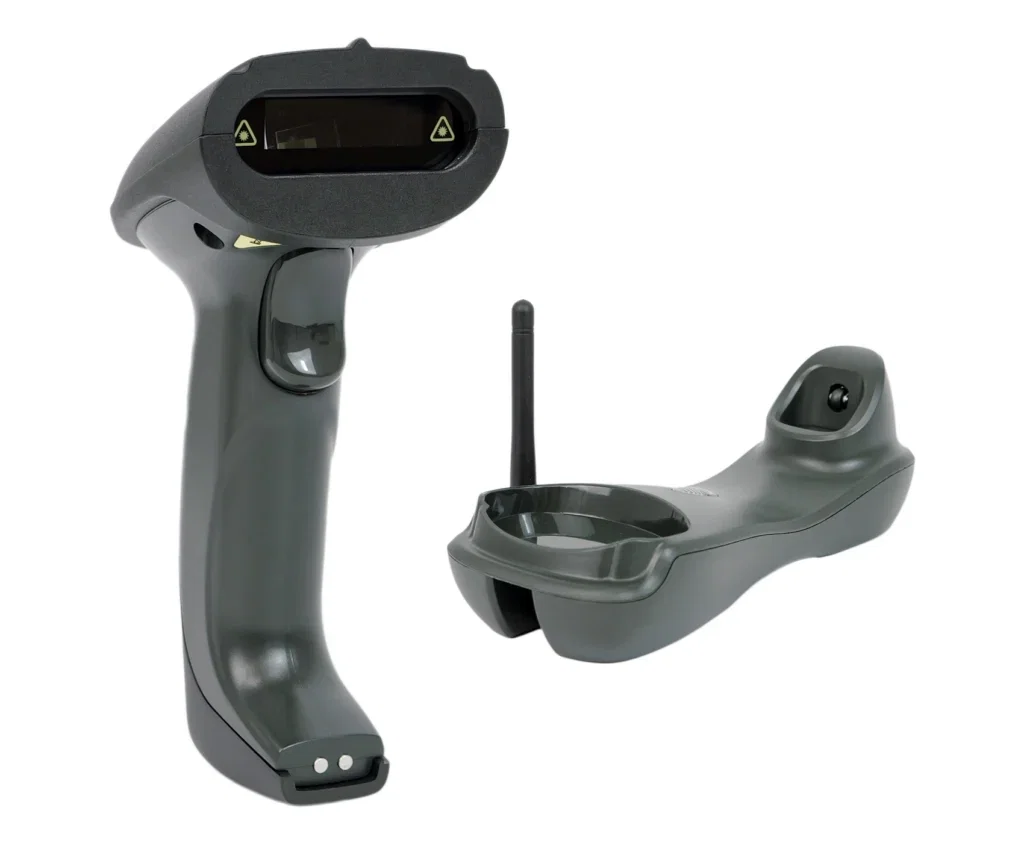
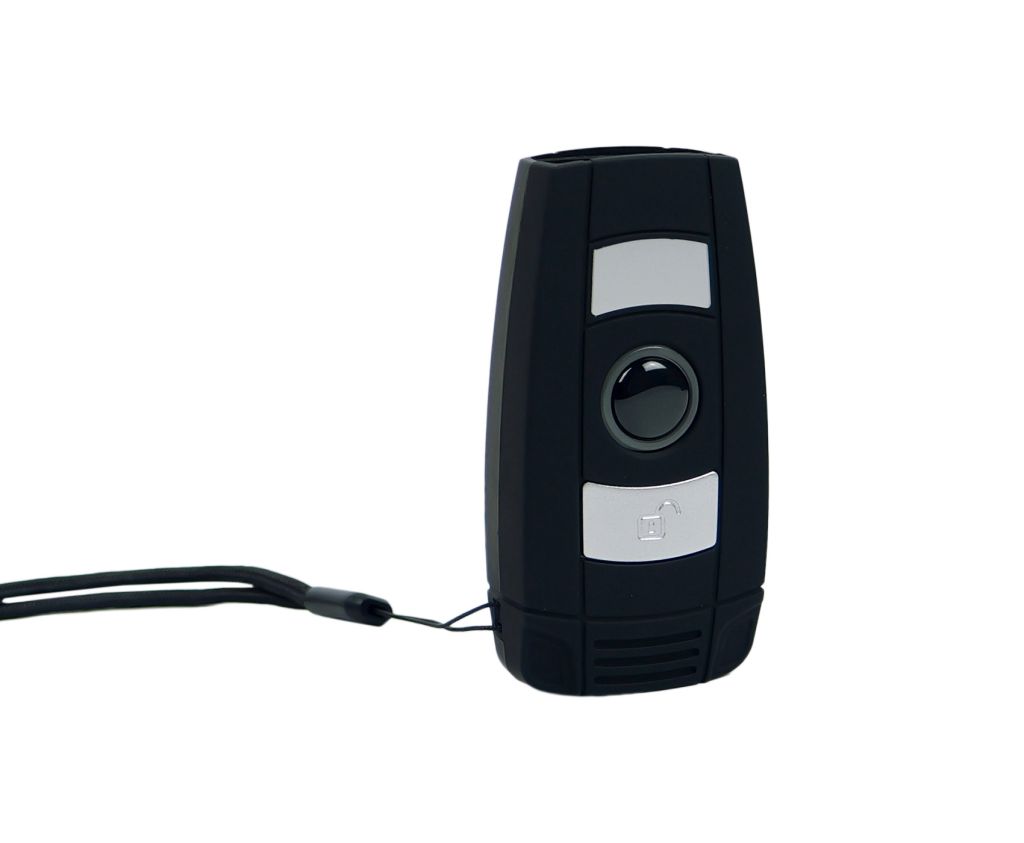
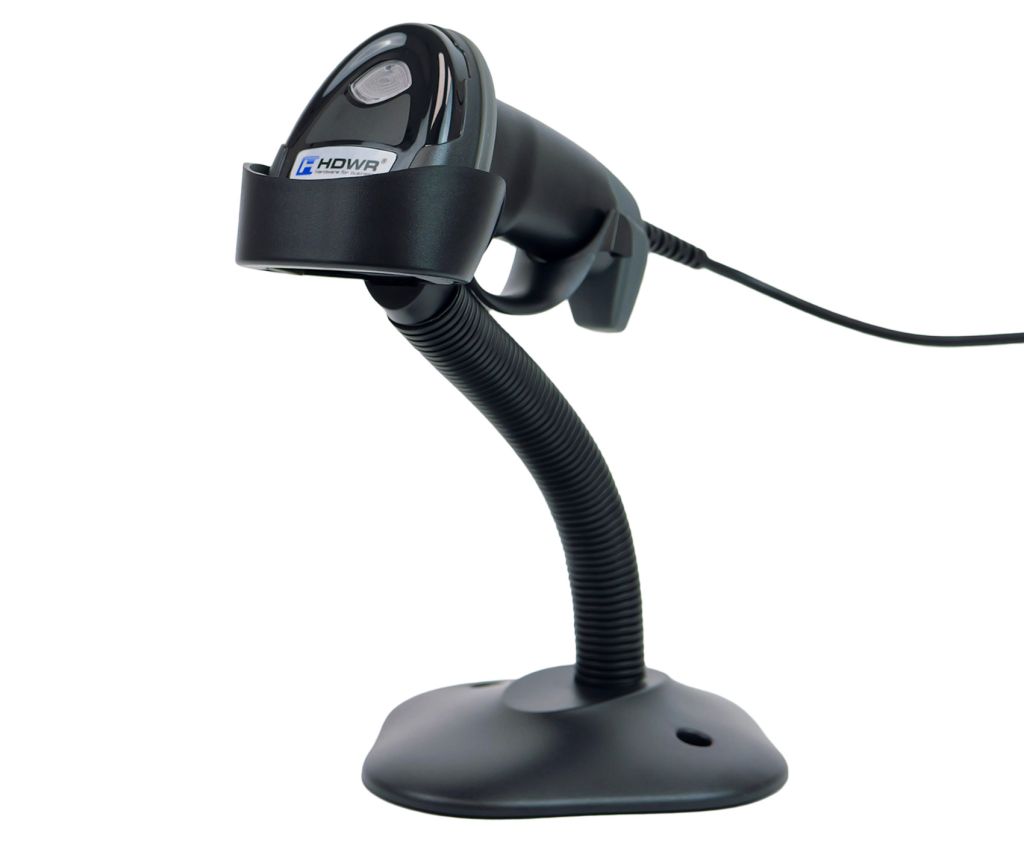
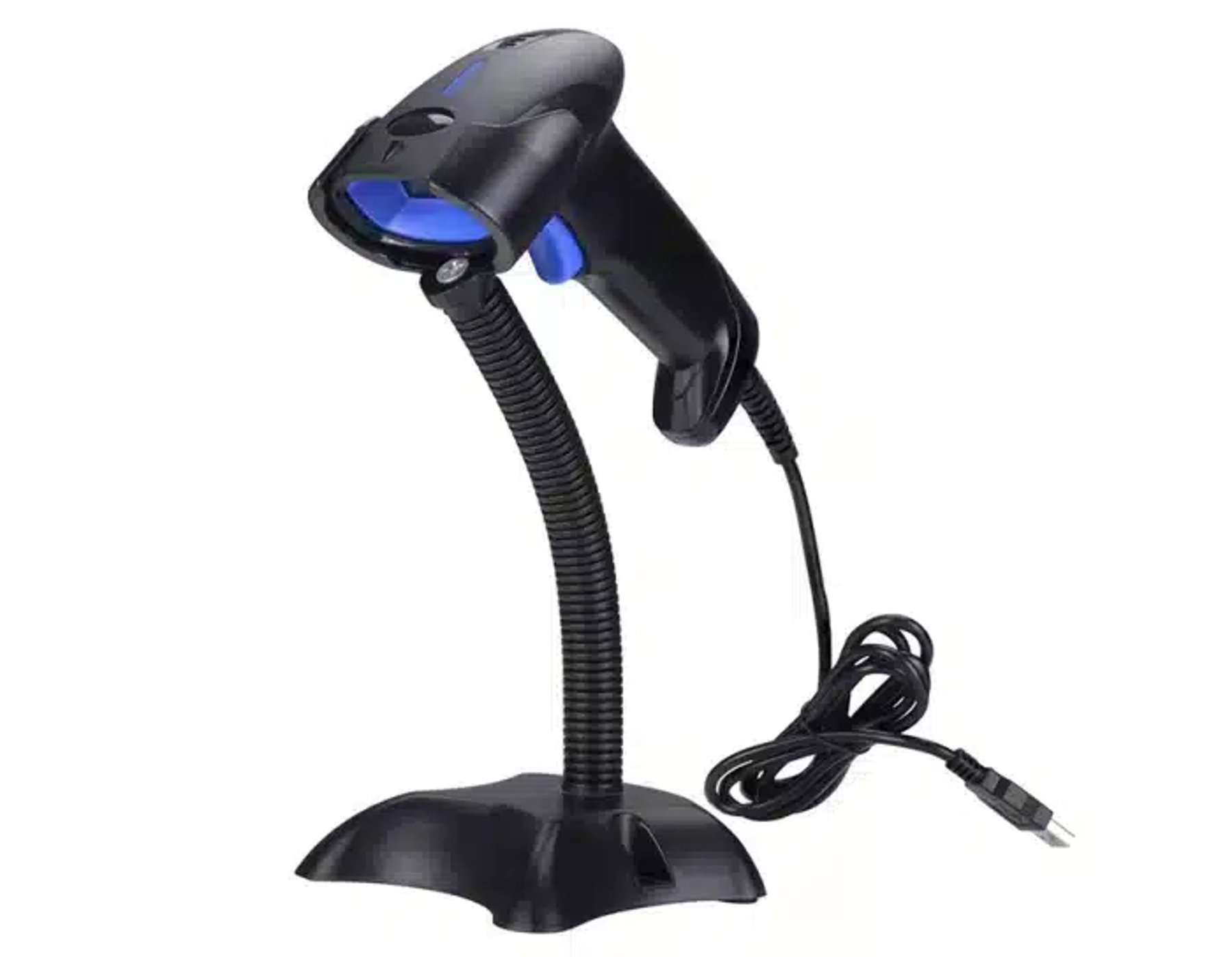
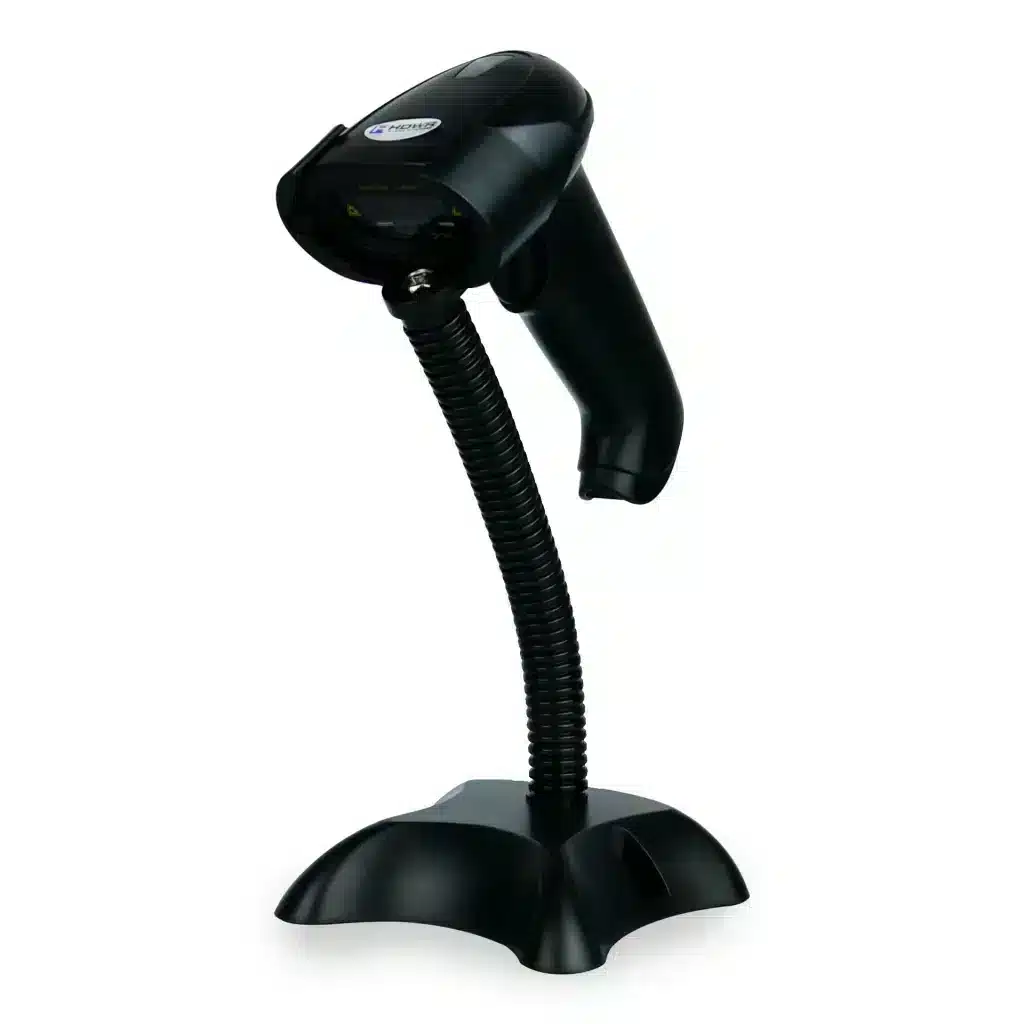
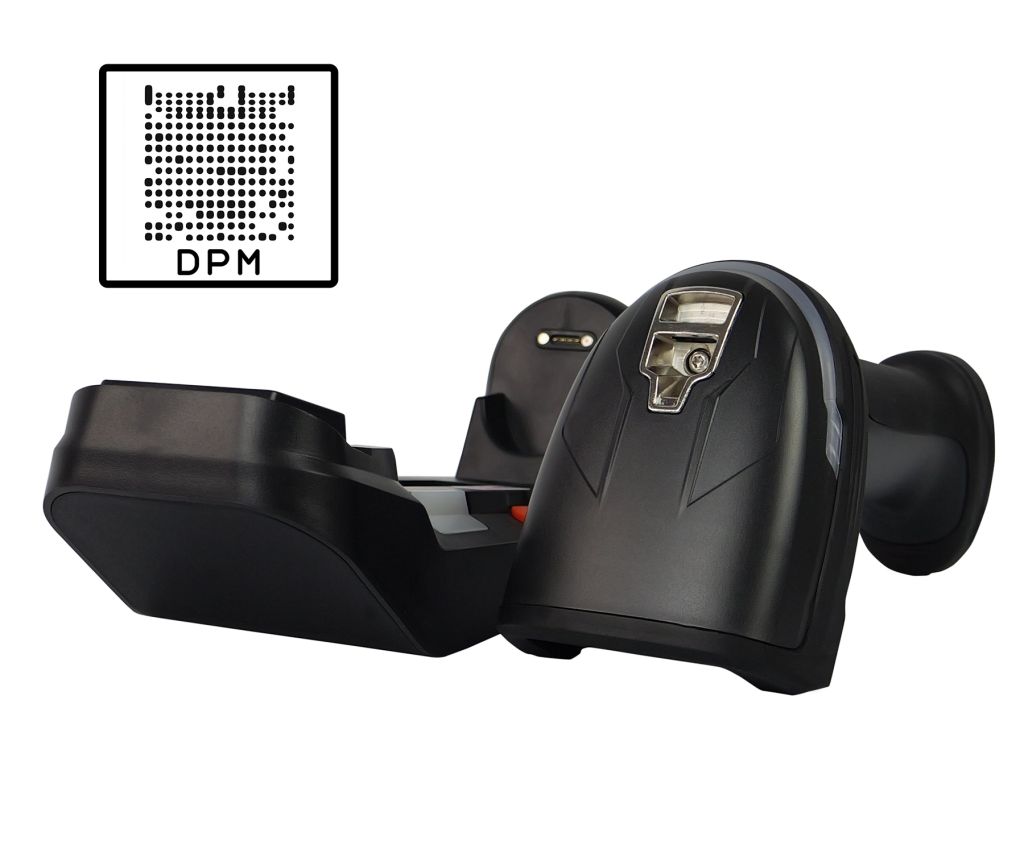
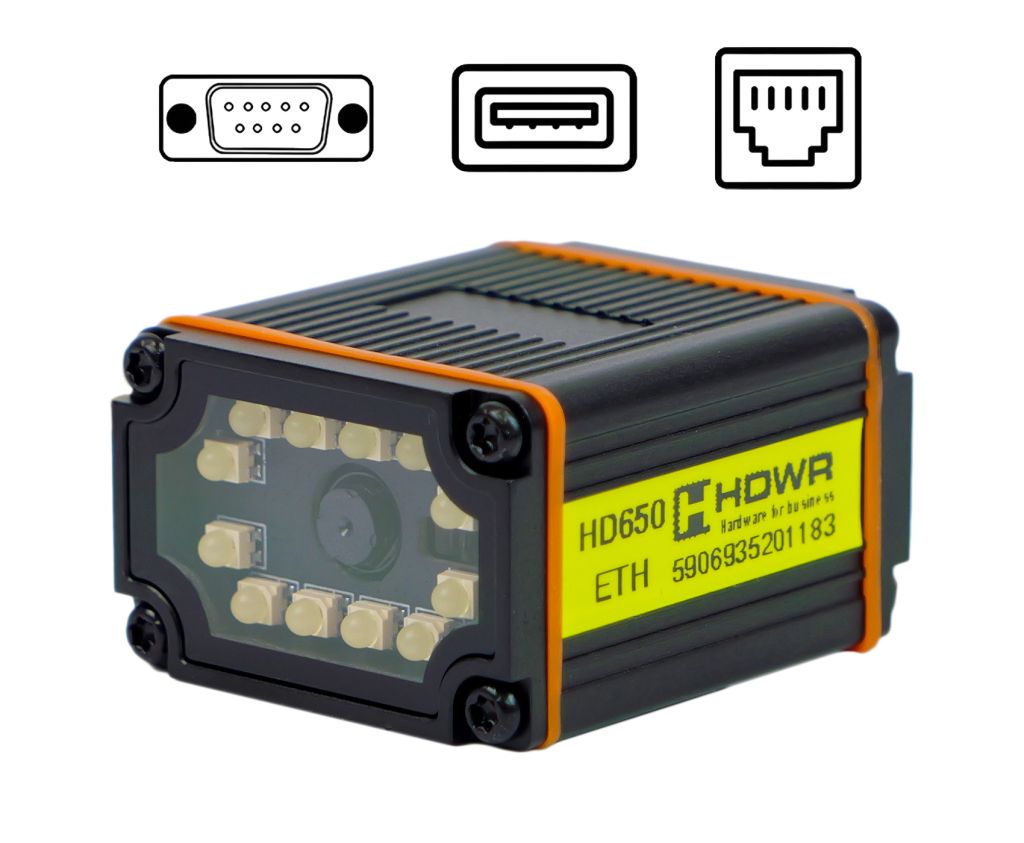
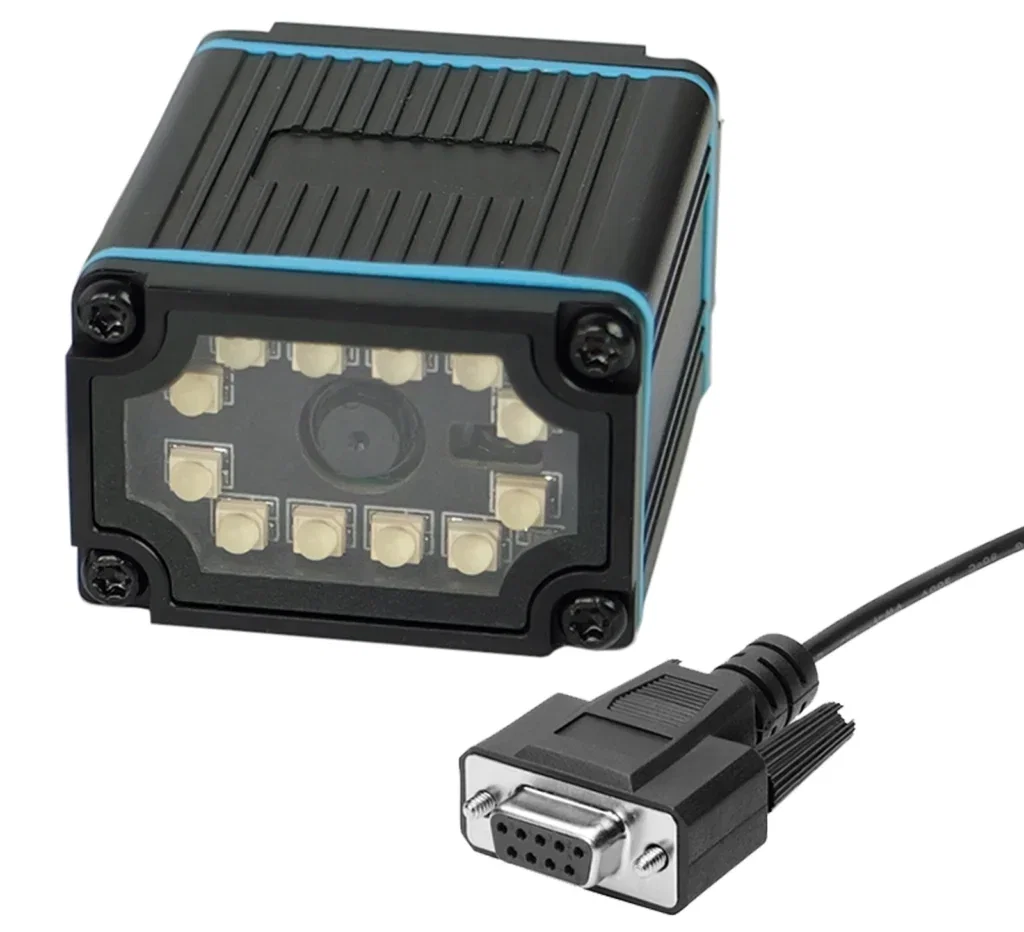
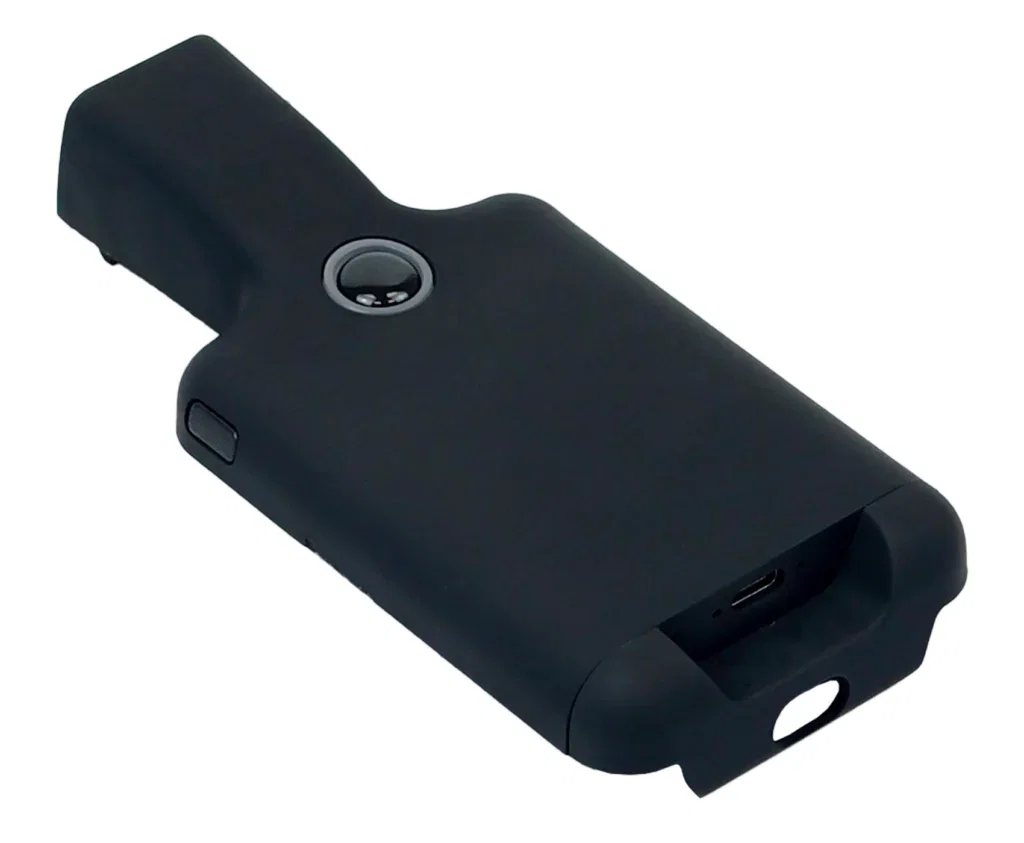
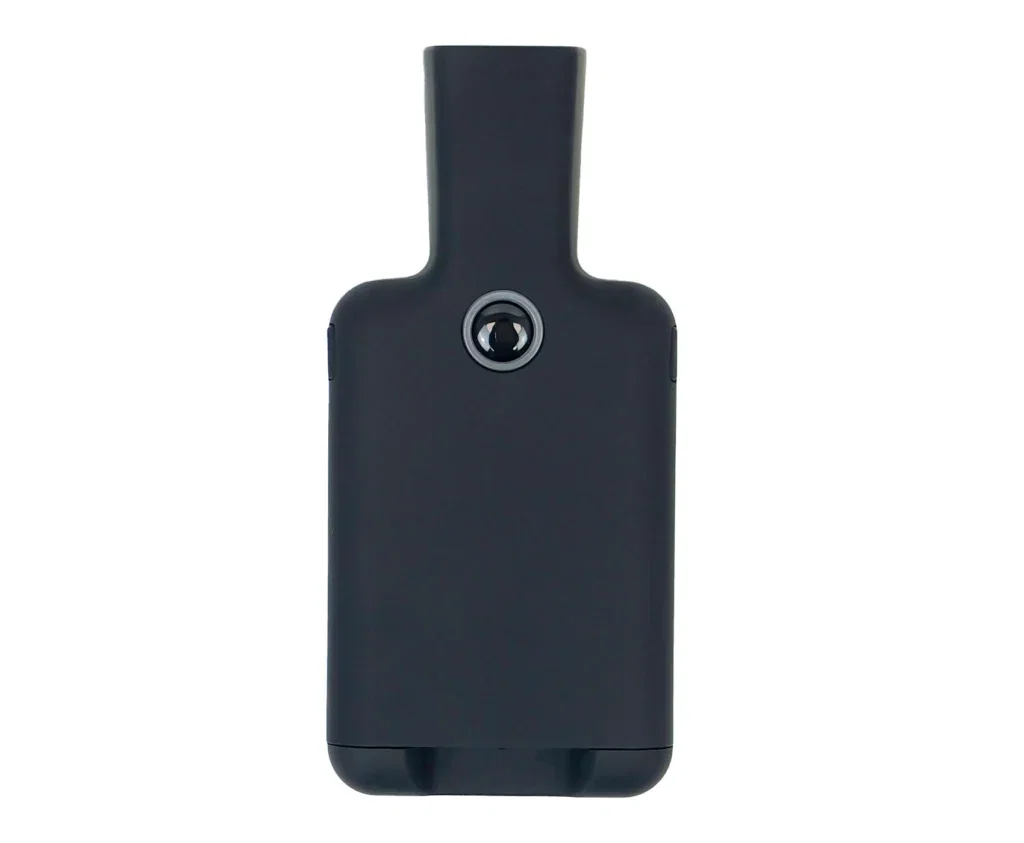
QR Code Scanner 1D/2D, Automatic, CMOS Matrix HD580

GTIN: 5907614662363 SKU: HD580 Category:
  • Scanning method: manual (button) / automatic (proximity, hands-free)
  • Types of scanned codes: 1D and 2D barcodes (e.g. QR, Data Matrix, PDF417, Aztec) from paper labels, phone screens and LCD/LED displays
  • Imaging engine: CMOS matrix, 617 nm LED illumination
  • Scan confirmation: light and sound signal
  • Available interfaces: USB, Virtual COM-USB
  • Additional features: configurable prefix/suffix (any character and function keys), Virtual COM mode
  • Cable length: 170 cm
  • Set includes: scanner, USB cable, user manual

102.96(83.71 net)

Out of stock

Product availability
Secure payment
Secure payments
Pay quickly online and shop safely with Stripe Accepted payment methods
Shipping and returns
+ Satisfaction guarantee
Returnable within 30 days
Barcode scanner icon

Simple and reliable HD580 1D/2D barcode scanner

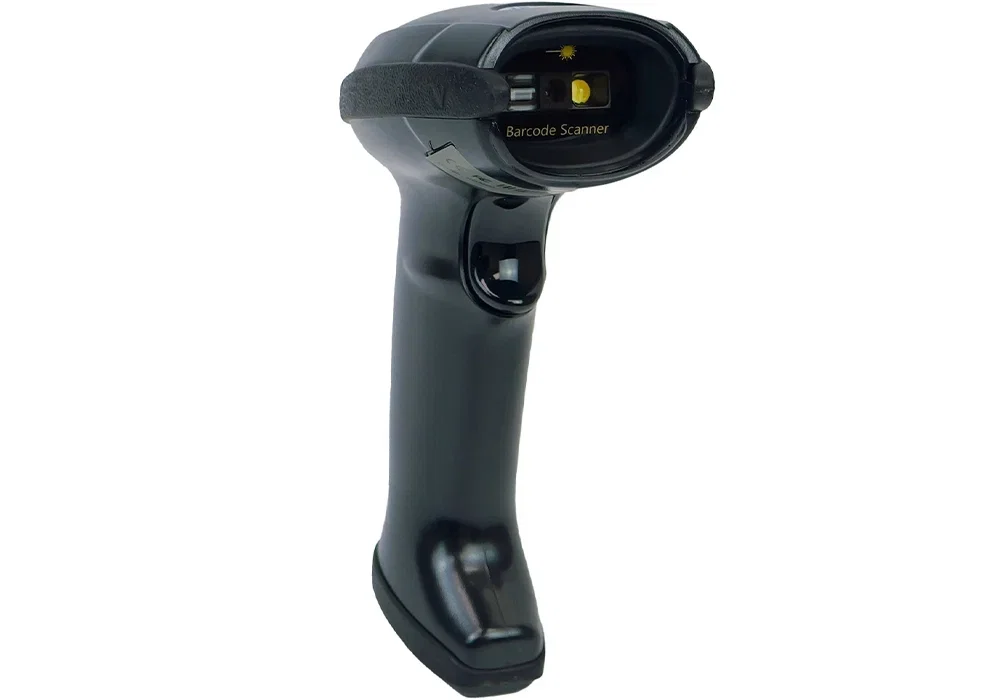
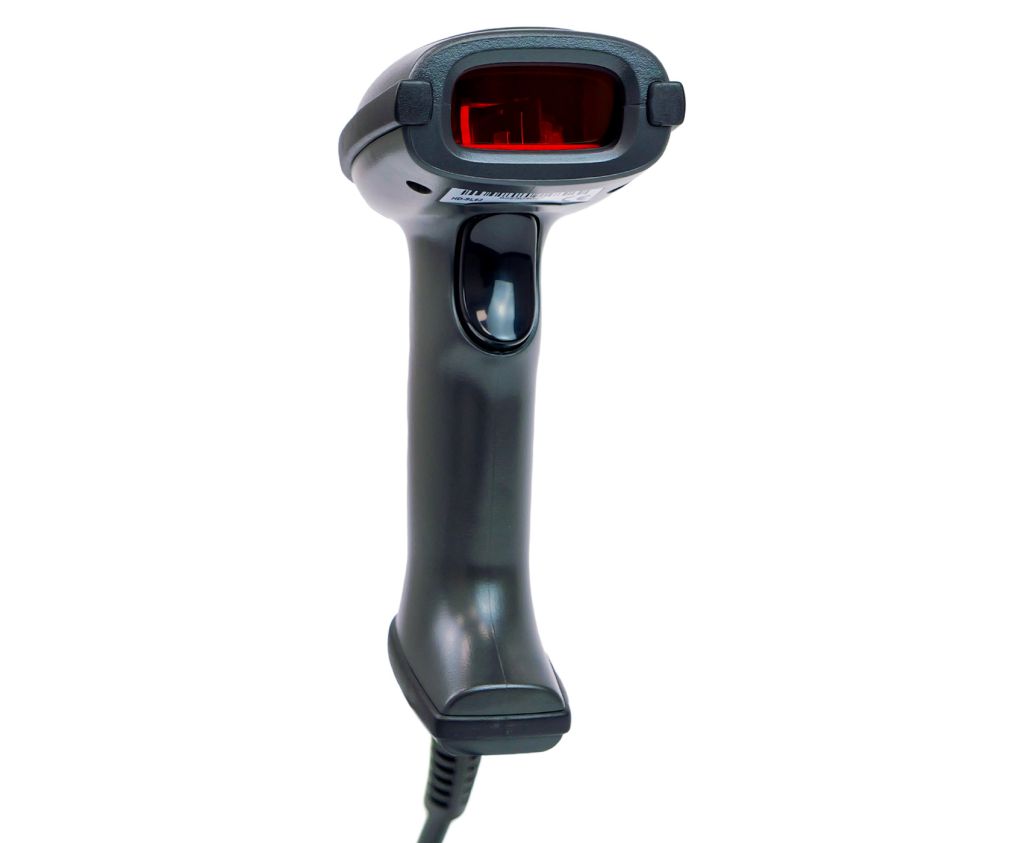
The HD580 is an extremely intuitive scanner designed not only to read standard 1D barcodes but also excellent for reading multidimensional 2D codes such as QR or Datamatrix. The label with the code does not have to be perfectly aligned with the scanner window to get a correct scan, all thanks to the built-in engine based on a CMOS matrix. This also enables the device to read not only printed codes but also digital ones, which can be displayed on LCD monitors and mobile phone screens. The scanner is perfect for various industries, from retail and small businesses to office applications in manufacturing and warehouse companies. Browse more wired barcode scanners in our offer.

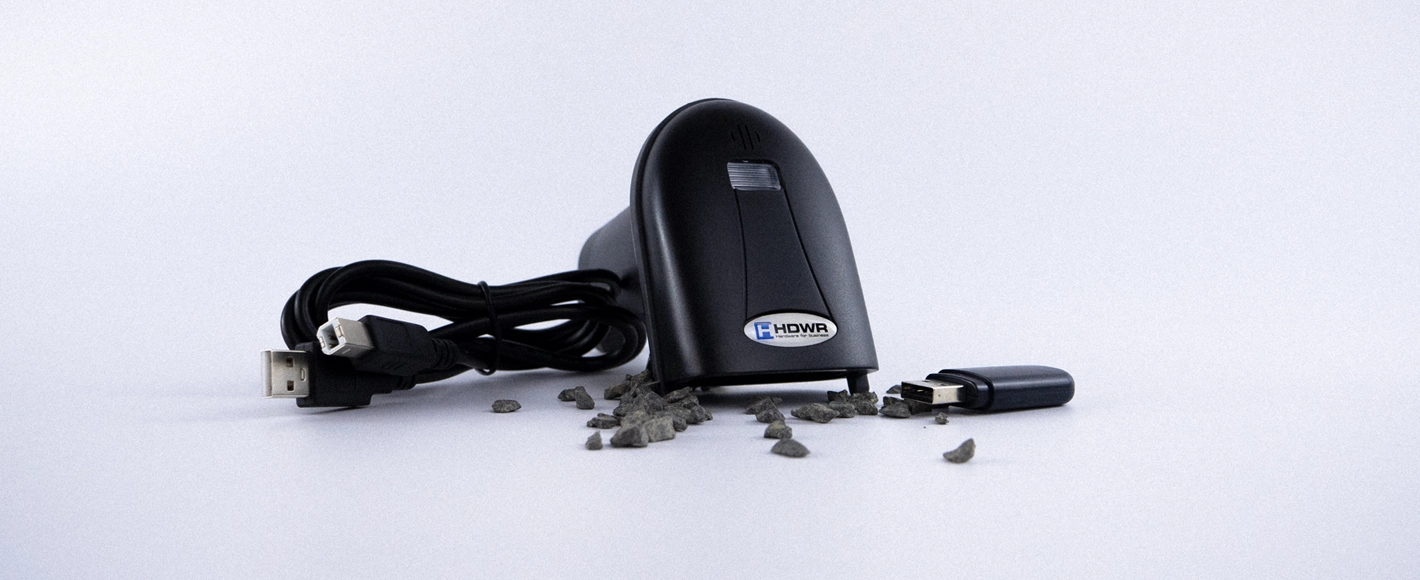
HD580 1D/2D QR code scanner with CMOS matrix

Convenience icon

Everything for your convenience

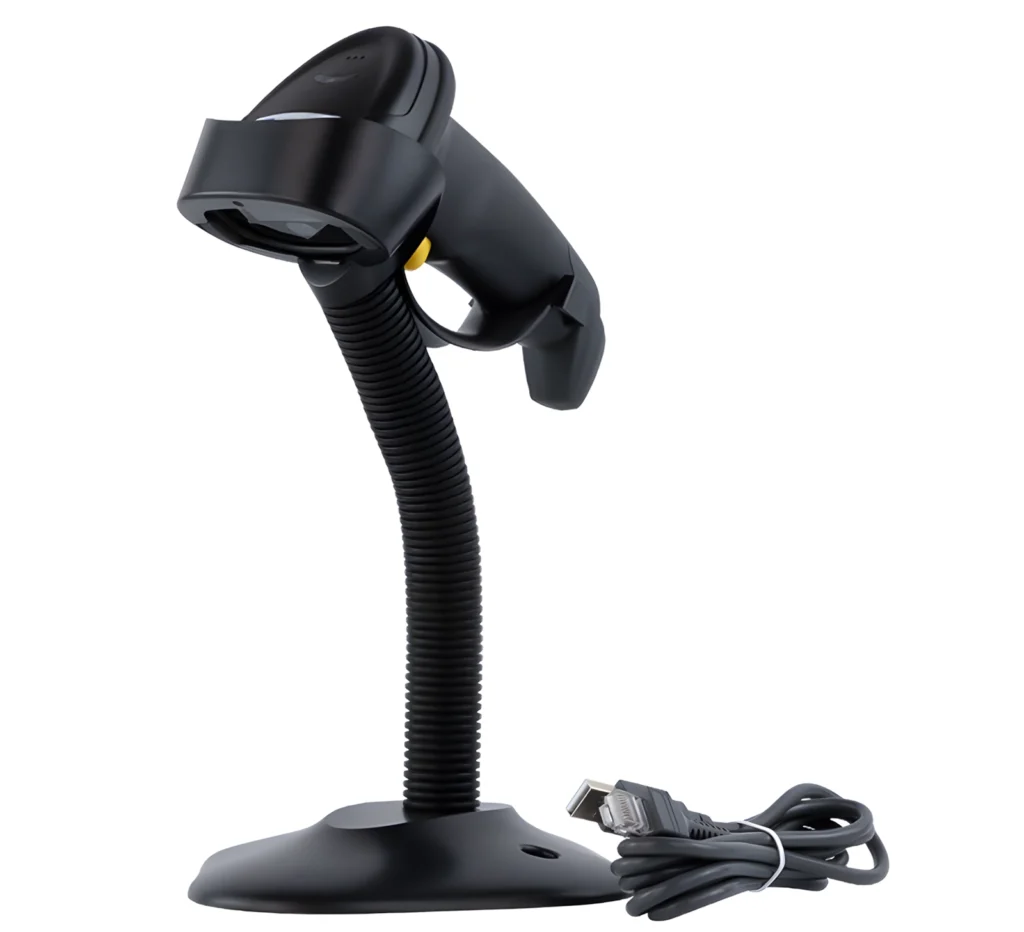
The reader is equipped with several very useful features that facilitate daily work. One of them is the automatic code reading mode. Once activated, the scanning engine starts automatically upon detecting movement, and once it encounters a code, it reads it. This means there is no need to press and hold the scanning button each time. Another very handy feature is the Virtual COM function. Thanks to it, the reader can work with many more programs that require connecting the scanner through a virtual serial port to use all functions.

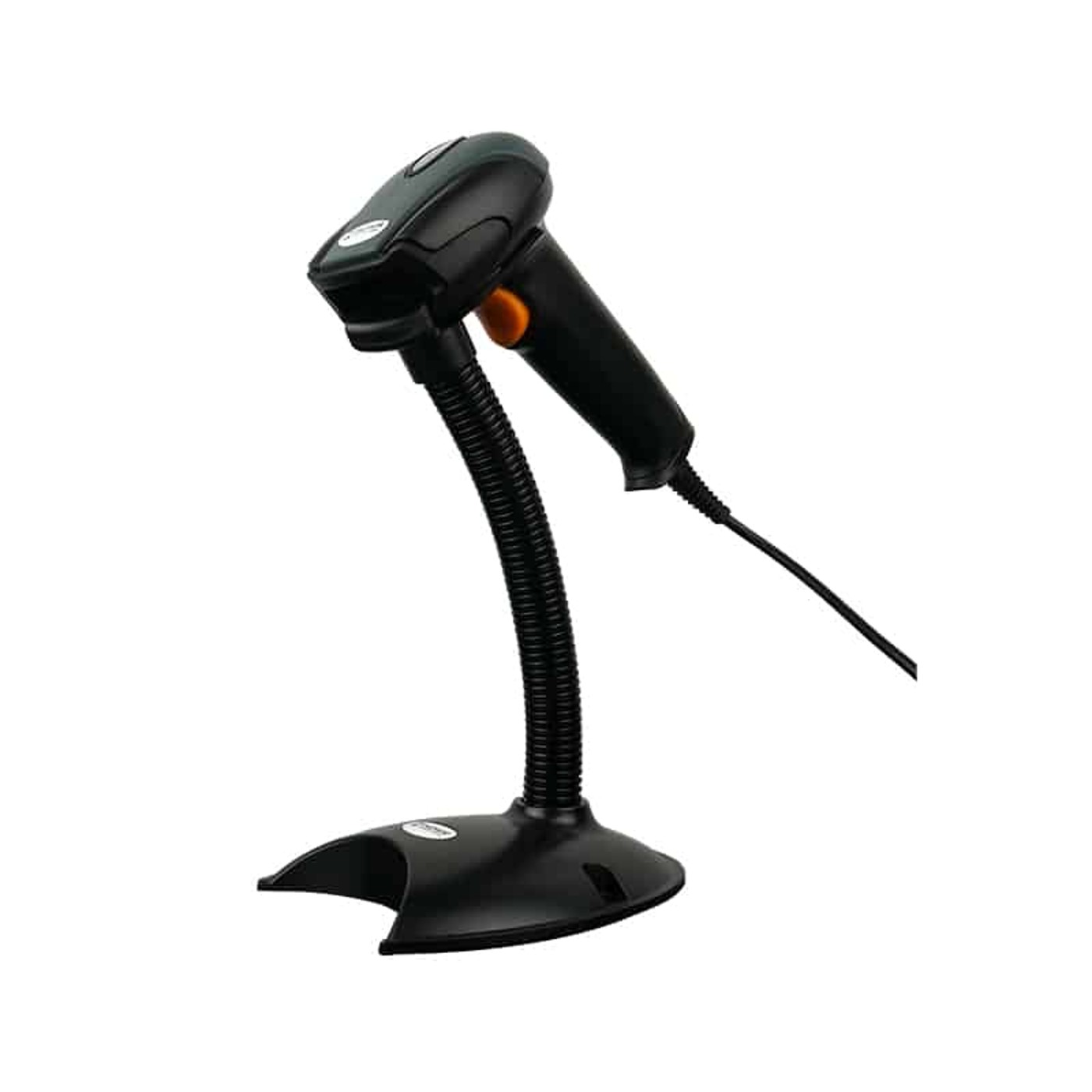
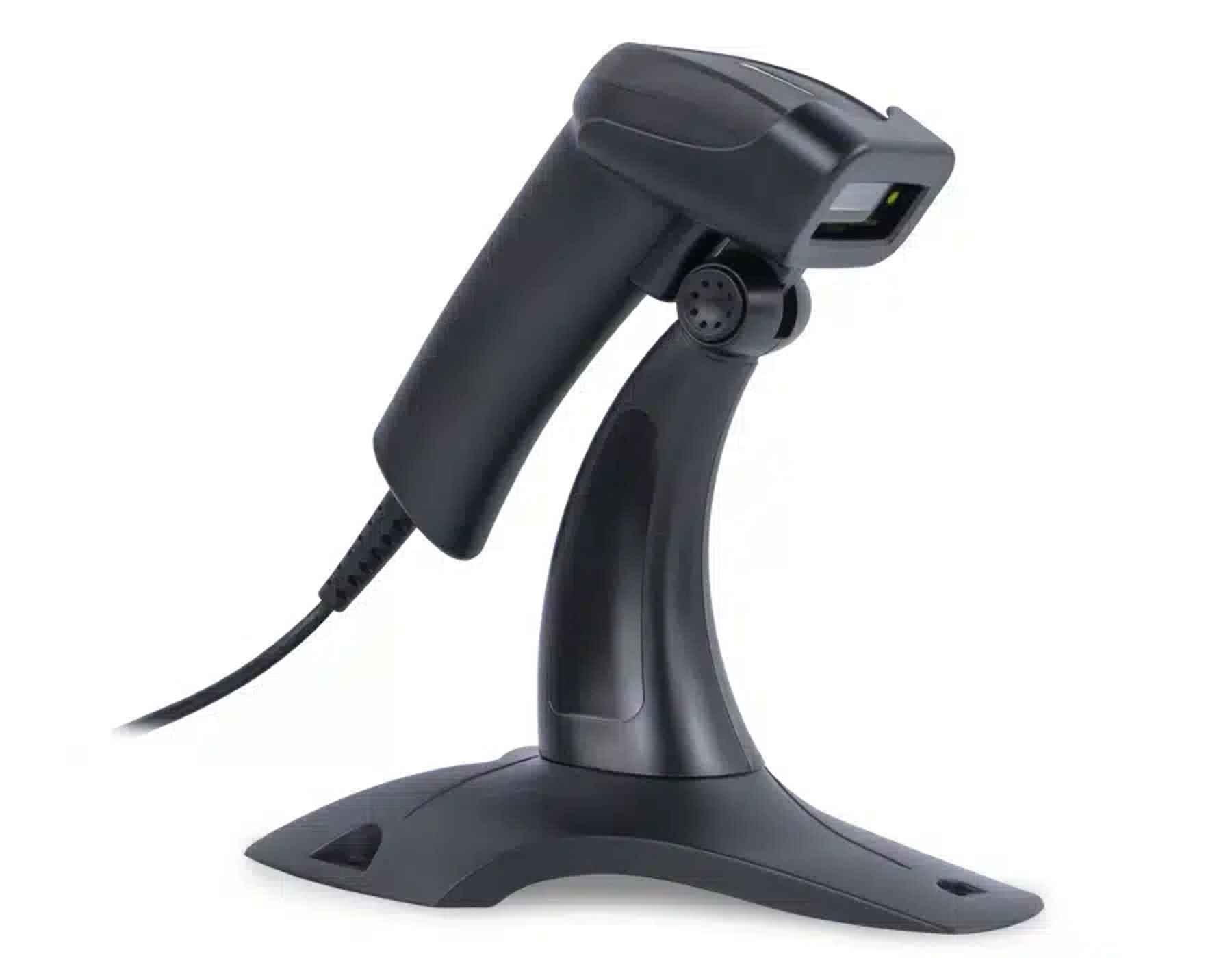
HD580 automatic scanning mode with stand

Configurable features icon

Surprising practicality

During operation, the scanner can add a prefix or suffix to the scanned code, previously selected by the user. It is possible to set not only regular characters, such as @, #, $, etc., but also function keys. Such a feature allows for even better automation in the target program and, for example, triggers the appropriate window before entering the code.

HD580 scanner reading 2D QR code from LCD screen

Reading from screens icon

Reads codes from paper, screens and mobile devices

Thanks to the CMOS imaging engine, the HD580 reliably scans 1D barcodes and 2D codes such as QR Code, Data Matrix, PDF417, Aztec or Maxicode directly from paper labels as well as from LCD, LED/OLED monitors and smartphone screens. Each successful scan is confirmed by a light and sound signal, so the operator immediately knows the code has been registered correctly. The personal data of customers is not collected or processed by the device in any way – the scanner only transmits the decoded content to the host application.

HD580 scanning 2D QR code from a phone screen

Set includes icon

The set includes:

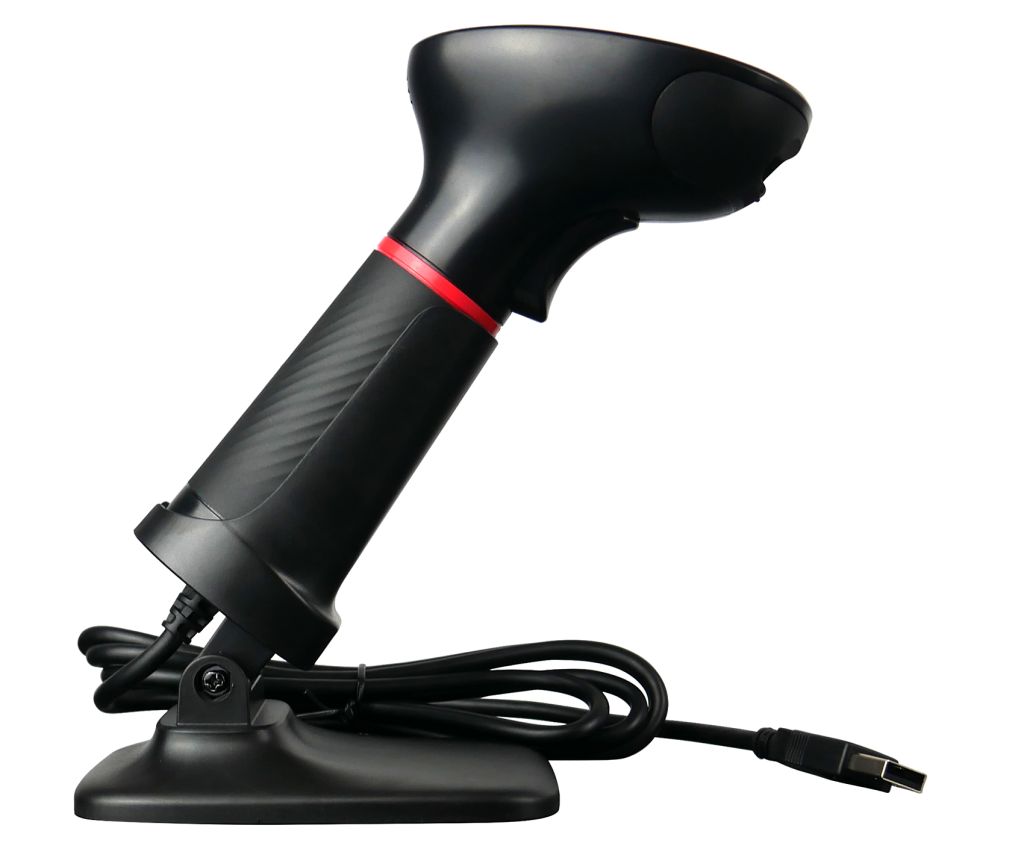
Wired HD580 1D/2D barcode scanner, USB communication cable, original user manual.

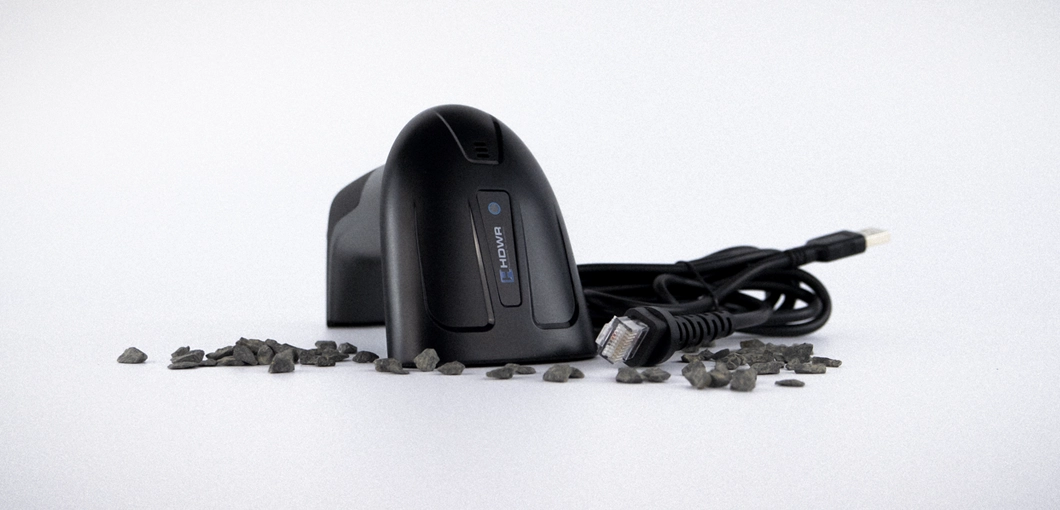
HD580 wired 1D/2D barcode scanner set contents

Specification

  • Warranty: 2 years
  • Light Source: 617nm CMOS LED
  • Scanning Method: button-activated (manual) / proximity-activated (automatic)
  • Scan Confirmation: Light and sound signal
  • Available Interfaces: USB, Virtual COM-USB
  • Cable Length: 170 cm
  • Device Dimensions: 16,5 x 8,5 x 7 cm
  • Package Dimensions: 16,5 x 10 x 8 cm
  • Reader Weight: 175 g
  • Weight with Packaging: 240 g
  • Operating Temperature: -20 ~ 50°C
  • Storage Temperature: -40 ~ 70°C
  • Readable 1D Codes: UPC-A, UPC-E, EAN-8, EAN-13, Code 128, Code 39, Code 93, Code 11, Interleaved 2 of 5 (ITF), Matrix 2 of 5, Standard 2 of 5, Codabar, MSI Plessey, GS1, China Post, Databar (RSS), Korea, NEC 2 of 5, and other one-dimensional codes
  • Readable 2D Codes: QR Code, Data Matrix, PDF417, Aztec, Maxicode
  • Codes being read: 1D (line), 2D (multidimensional)
  • Docking station: No
  • Interface: USB
  • Reader stand: No
  • Reading codes from the LCD screen: Yes
  • Scanning engine: CMOS
  • Scanning method: manually/automatically
  • USB Receiver: No
  • Built-in memory: No
  • Long Range: No

Frequently asked questions

Can the HD580 read codes directly from a phone or LCD screen?

Yes. Thanks to the CMOS imaging engine, the HD580 reliably reads both printed 1D and 2D codes (QR, Data Matrix, PDF417, Aztec, Maxicode) and codes displayed on LCD, LED/OLED monitors and smartphone screens.

What is the difference between manual and automatic scanning mode?

In manual mode you press the trigger button each time you want to scan a code. In automatic mode the scanning engine activates by itself when it detects motion in front of the lens, and reads the code without any user action – perfect for hands-free operation at a checkout or workstation.

What is the Virtual COM function used for?

Virtual COM mode makes the scanner appear to the computer as a serial port (COM) device instead of an HID keyboard. This is required by some warehouse, ERP and POS applications that read scanner data through a serial interface.

Can I add a prefix or suffix to scanned codes?

Yes. The HD580 allows you to configure any character (including special characters such as @, #, $) as well as function keys to be appended before or after the scanned code, which helps automate workflows in the target application.

Help Center (FAQ)
Buy similar

Let's check products below

Hand-picked promo gear that works hard: scanners, scales, time & access systems. Stock moves fast.