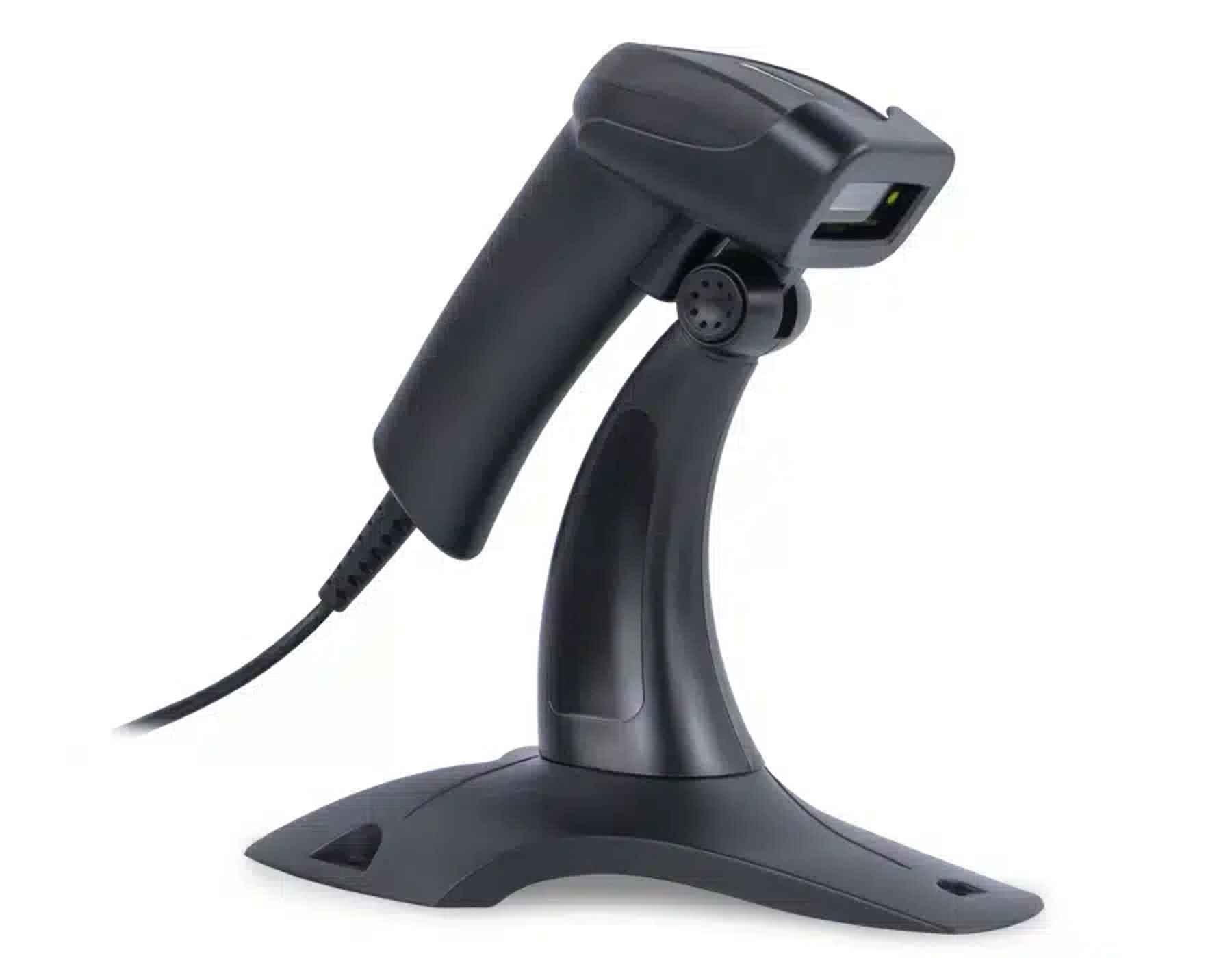
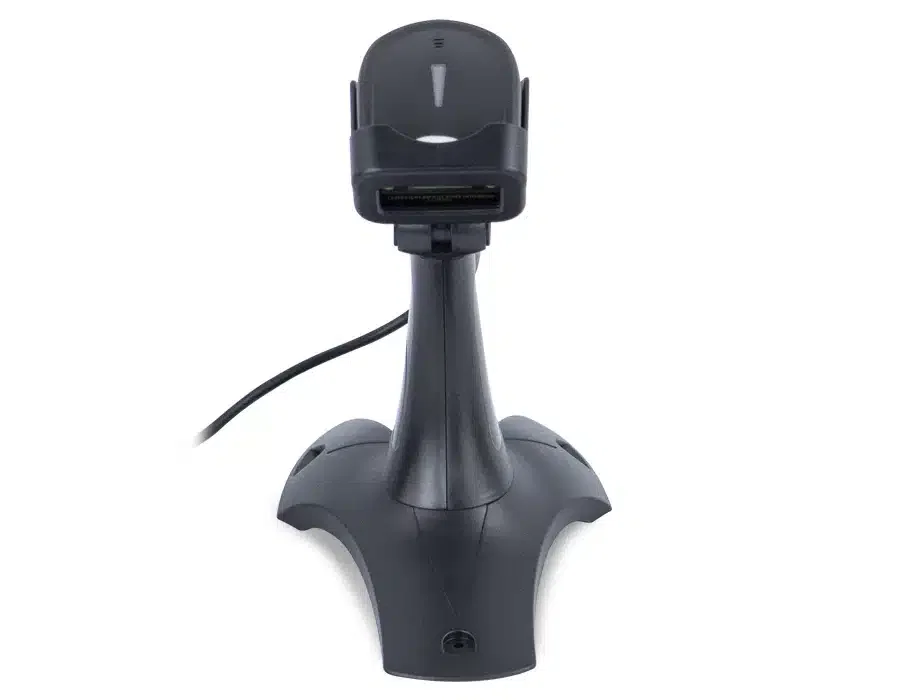
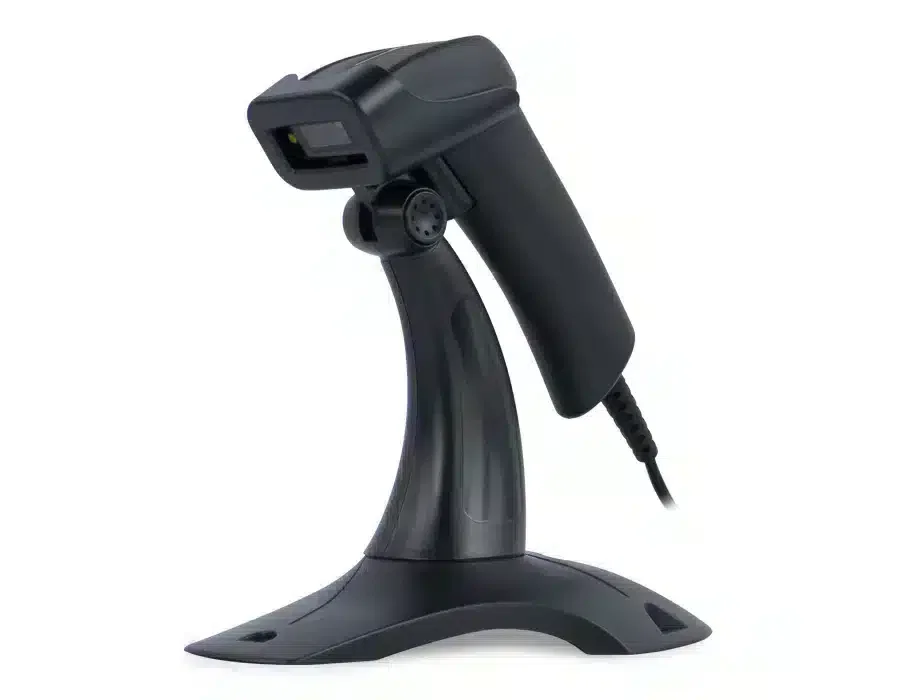
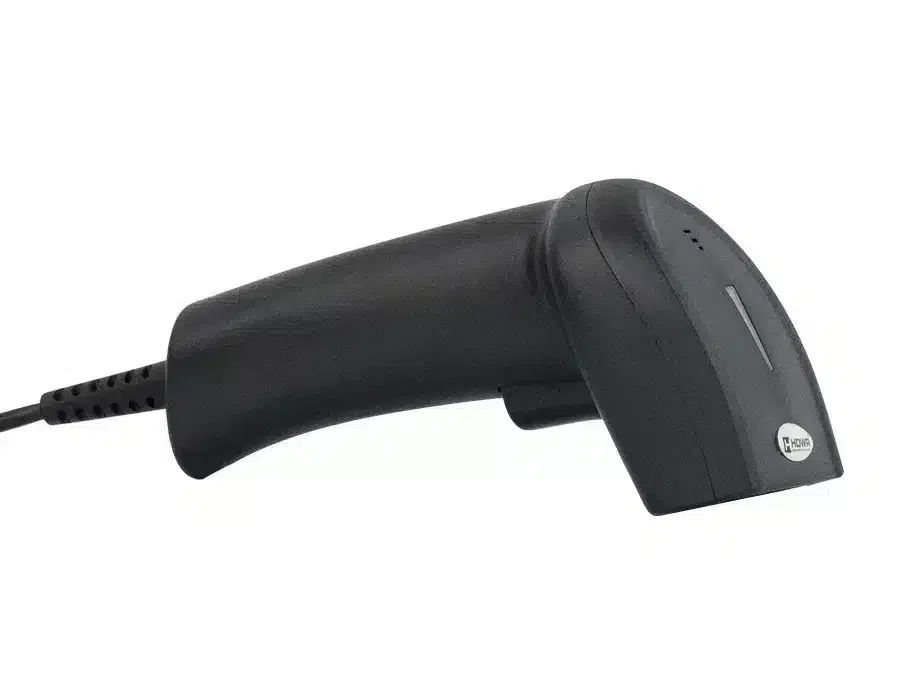
Barcode reader, automatic scanner, CCD matrix HD26A

GTIN: 5907614662059 SKU: HD26A Category:
  • Type of scanned codes: 1D barcodes from paper labels and phone screens
  • Scanning sensor: CCD matrix
  • Scanning mode: manual / automatic (hands-free with stand)
  • Scanning speed: 200 scans per second
  • Available interfaces: USB, Virtual COM
  • Protection level: IP54
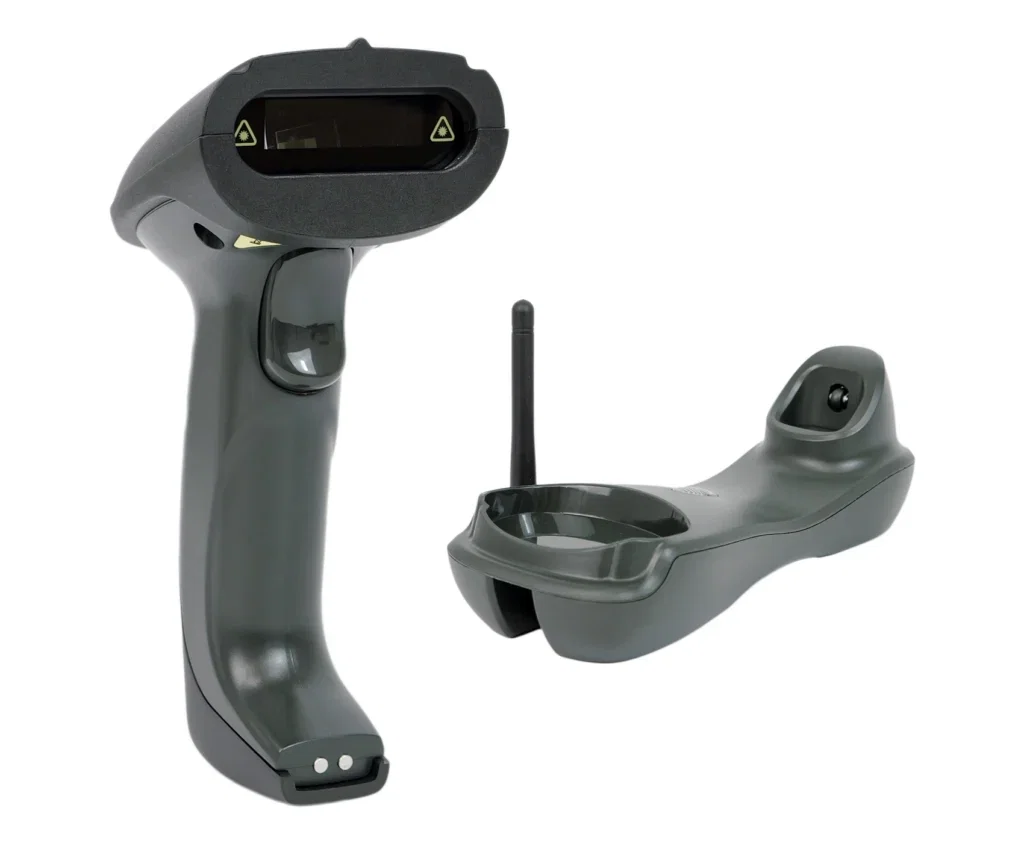
  • Set includes: scanner, dedicated stand, USB cable, user manual

64.56(52.49 net)

75 in stock

Product availability
Secure payment
Secure payments
Pay quickly online and shop safely with Stripe Accepted payment methods

Shipping and returns
+ Satisfaction guarantee
Returnable within 30 days
Wired barcode scanner icon

Comfort and efficiency in scanning with the HD26A barcode scanner

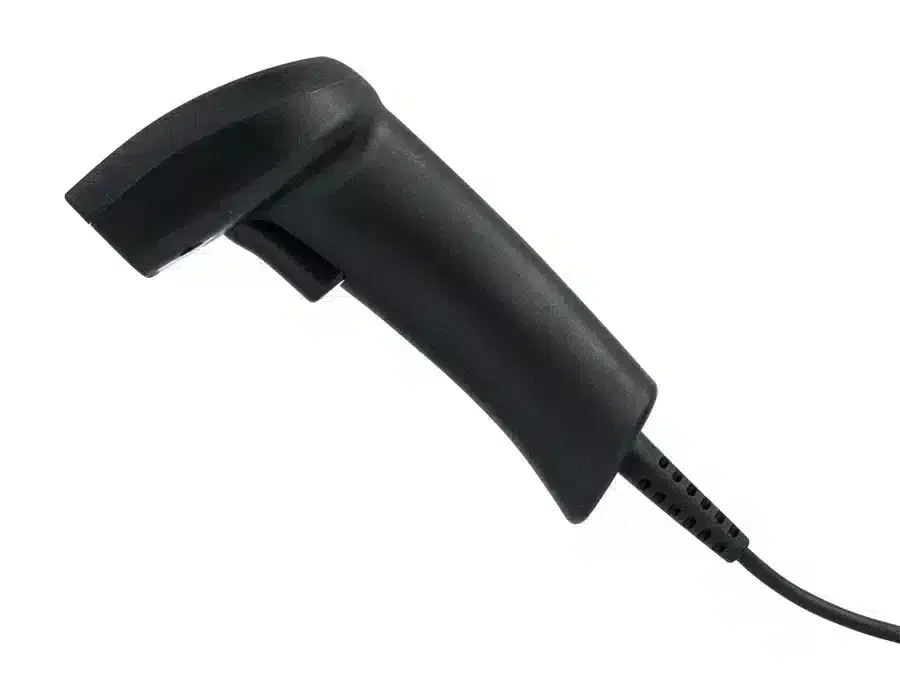
The wired HD26A is a convenient barcode scanner known for its solid construction and ergonomic shape, which enhances comfort even during long hours of scanning. It is perfect for use in stores, supermarkets, shipping companies, warehouses and large enterprises. Browse more wired barcode scanners in our offer.
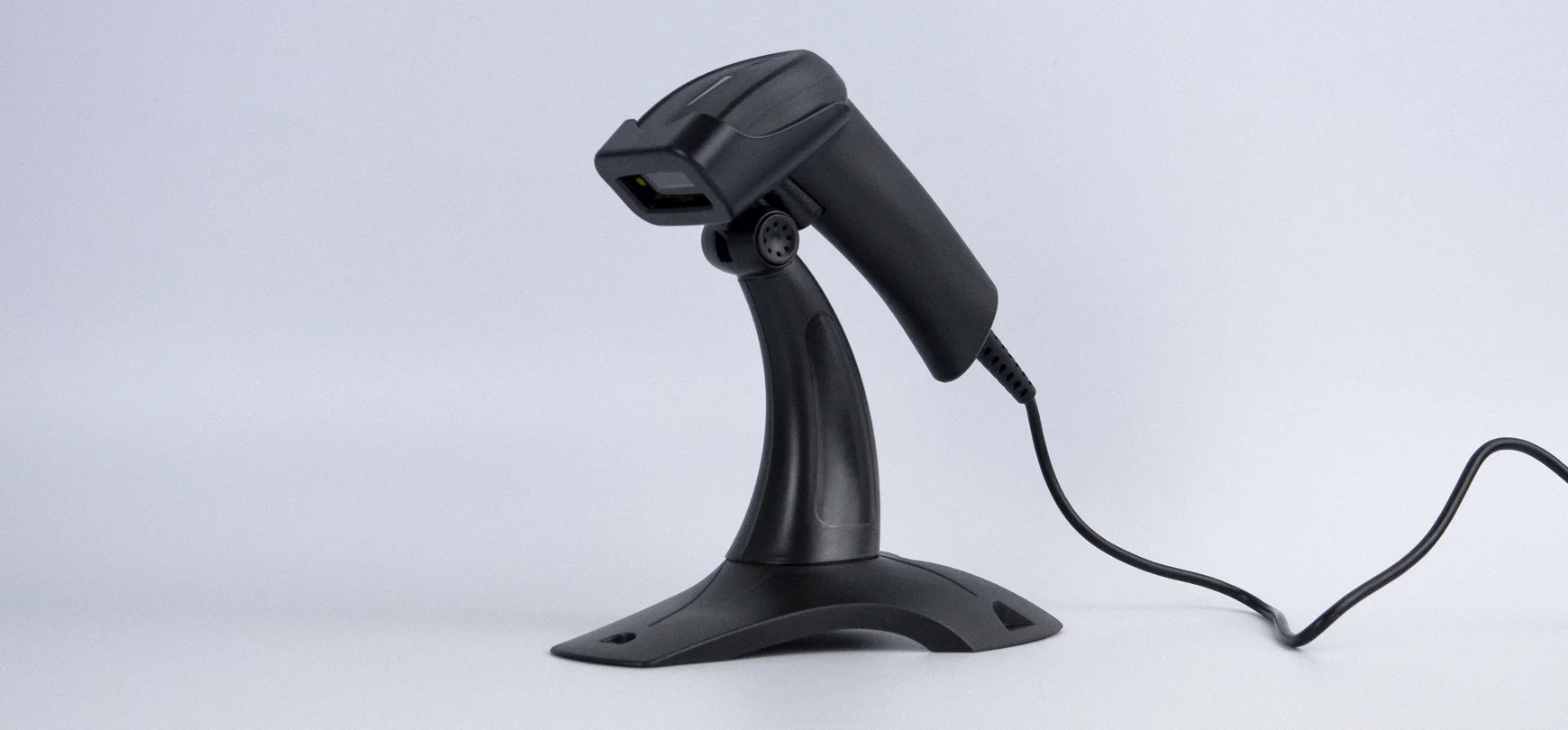

HD26A wired barcode reader with CCD matrix

Automatic scanning icon

Automatic barcode scanning mode

An undeniable advantage of the HD26A is its ability to operate in automatic mode, eliminating the need to press a button to scan a code and improving efficiency in daily work. In this mode, codes are read automatically, and the included stand makes the equipment almost maintenance-free. Hands-free operation is perfect for high-volume checkouts where time matters.
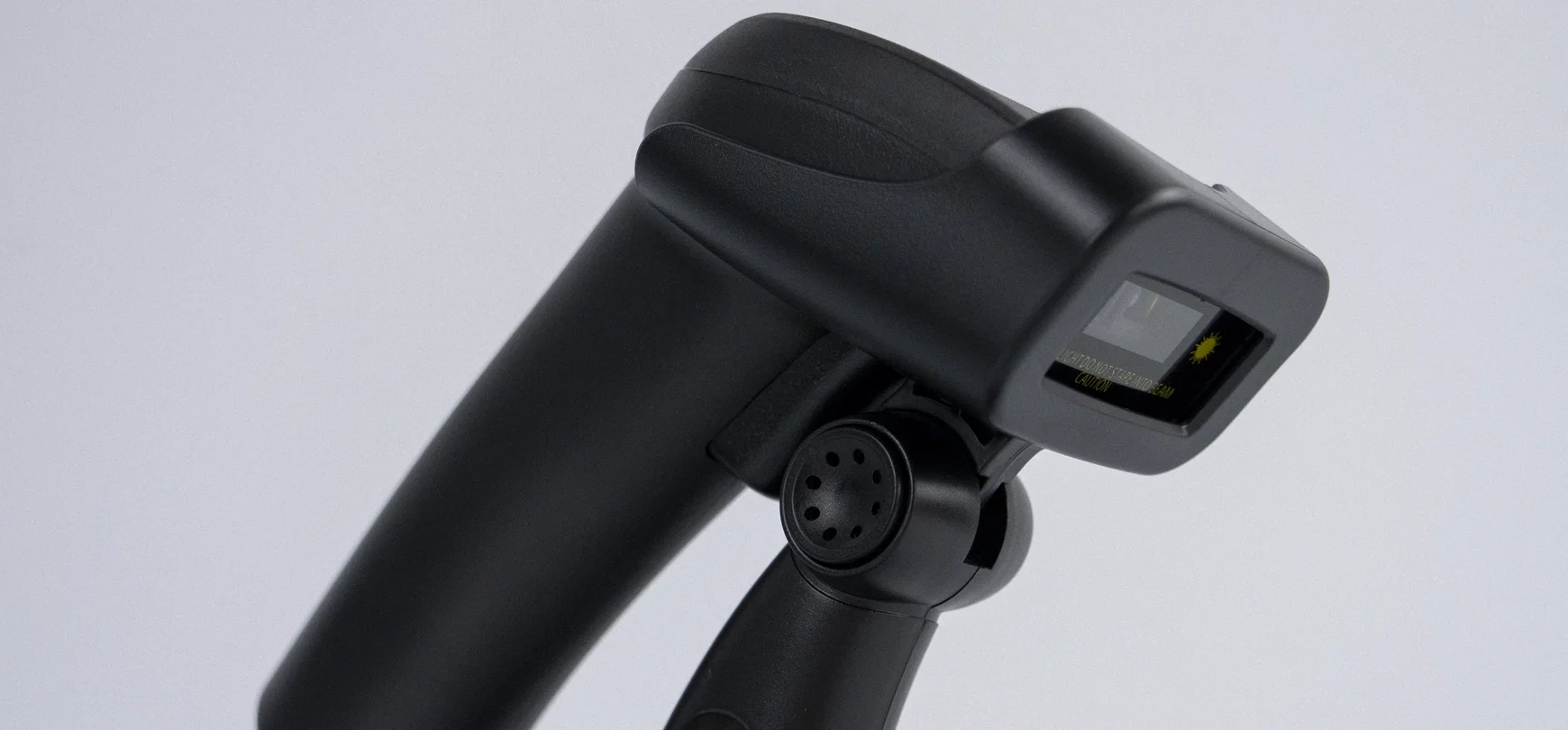

HD26A automatic scanning with stand

Reliable scanning icon

Reliable scanning system

The scanner features an advanced optical module based on a CCD matrix, providing greater resistance to mechanical damage than traditional lasers. The use of this type of matrix allows precise reading of 1D barcodes from LCD and LED/OLED screens as well as mobile device displays. The device is compatible with virtually any program with a text field, and if needed, the reader can be switched to Virtual COM mode, significantly expanding its range of applications.
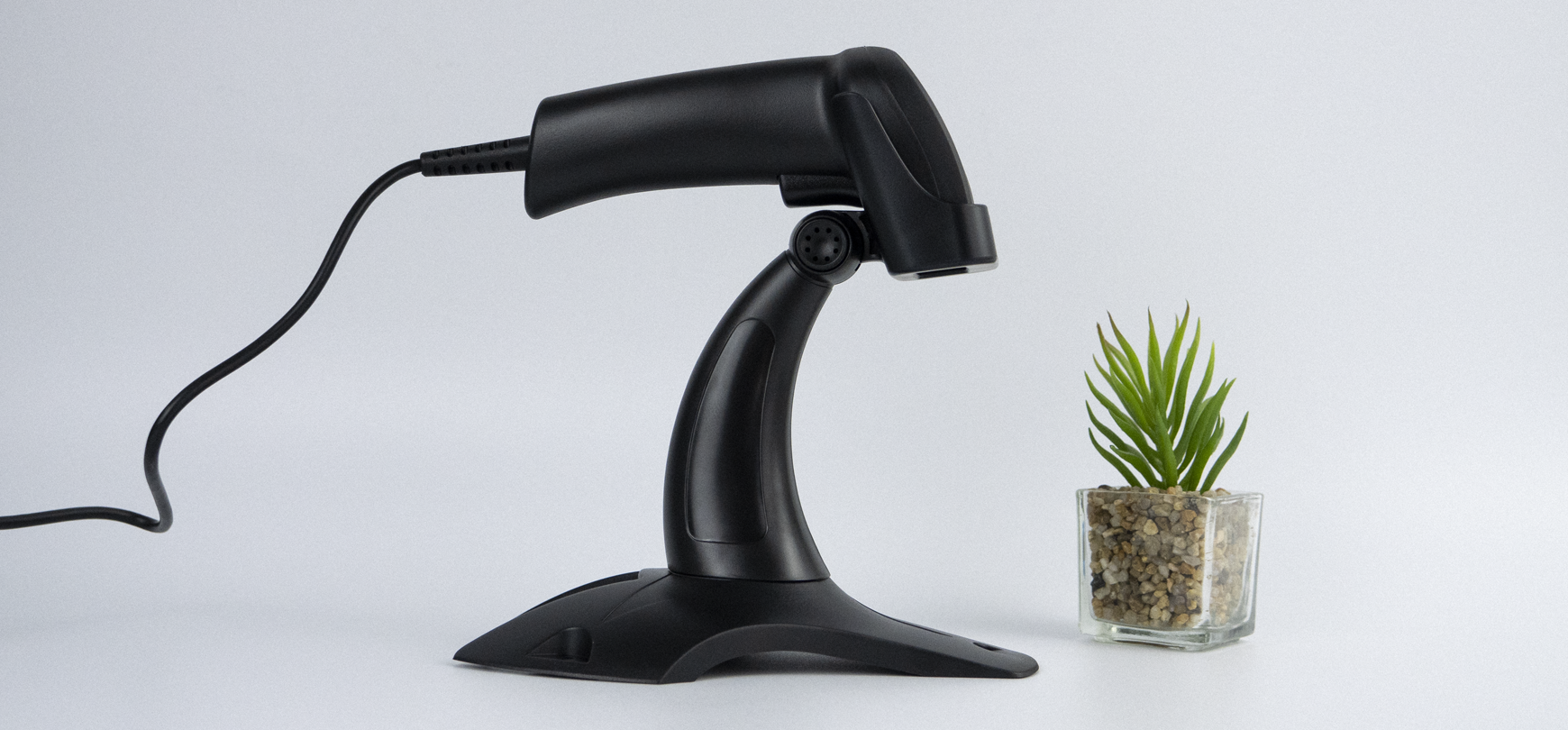
HD26A CCD scanner reading from screens

Set includes icon

The set includes:

Wired HD26A barcode scanner, dedicated reader stand, integrated USB cable, original user manual in English.
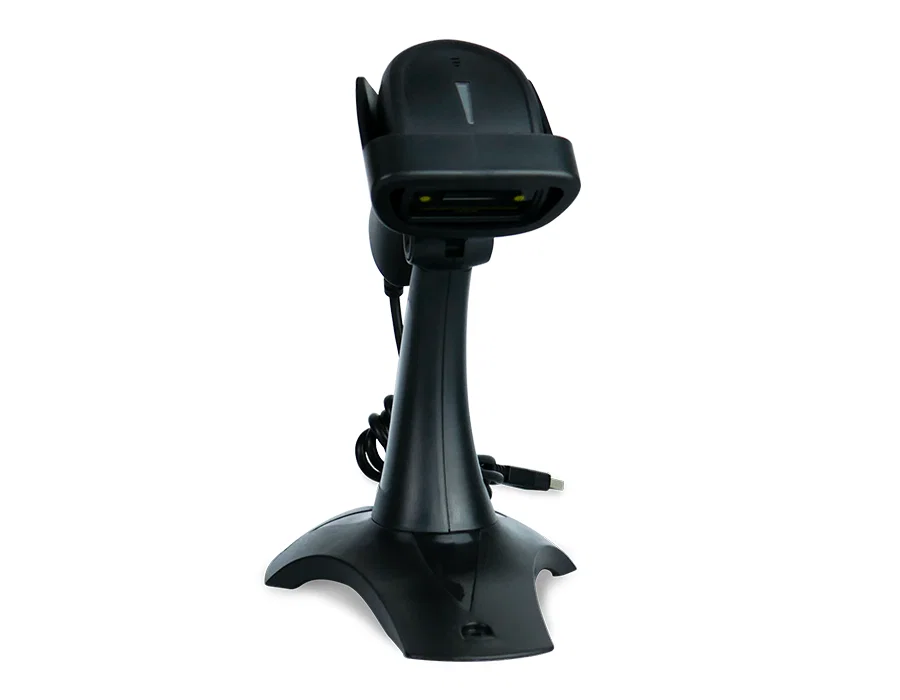
HD26A set contents

Specification

  • Warranty: 2 years
  • Material: ABS+PC
  • Confirmation of scanning: two types of emitted sound
  • Reading speed: 200 times/second
  • Reading accuracy: 0.10 mm
  • Error rate: 1/800 million
  • Print contrast: min. 25%
  • Reading distance: 0.5-500 mm
  • Interface: USB, Virtual COM
  • Cable length: 150 cm
  • Protection degree: IP54
  • Device dimensions: 14.5 x 5 x 7.5 cm
  • Dimensions of the stand: 17.5 x 12 x 18.5 cm
  • Dimensions of packaging: 17.5 x 9 x 6 cm
  • Weight of the device: 240 g
  • Weight with packaging: 360 g
  • Working temperature: 0 to 45°C
  • Storage temperature: -40 to 60°C
  • Operating humidity: 5 to 95%
  • Storage humidity: 5 to 95%
  • Read 1D codes: Code 39, Full ASCII Code 39, Code 32, Code 128, Code 93, Code 11, Codebar/NW7, All UPC/EAN/JAN code (EAN-13, EAN-8, UPC-A, UPC-E, EAN-128), Interleaved 2 of 5 (ITF), STD 2 of 5, Industrial 2 of 5, Matrix 2 of 5, IATA, MSI/PLESSY, BC-412
  • Codes being read: 1D (line)
  • Interface: USB
  • Scanning engine: CCD
  • Scanning method: automatically (after approaching the code), manually (push button)
  • Built-in memory: No
  • Docking station: No
  • Long Range: No
  • Reader stand: Yes
  • Reading codes from the LCD screen: Yes
  • USB Receiver: No

Frequently asked questions

Why is a CCD matrix better than a laser scanner?

A CCD matrix has no moving parts, making it more resistant to mechanical damage and drops than traditional laser scanners. It also reads codes from electronic screens (LCD, LED/OLED), which laser scanners cannot do reliably.

Does automatic scanning mode require the stand?

The included stand is what makes hands-free automatic scanning convenient – it holds the scanner at the optimal angle so you only need to present the barcode to trigger scanning. You can also use the HD26A held in hand by pressing the trigger button.

What is Virtual COM mode used for?

Virtual COM mode makes the scanner appear to the computer as a serial port (COM) device instead of an HID keyboard. This is required by some warehouse, ERP and POS applications that read scanner data through a serial interface.
Help Center (FAQ)
Buy similar

Let's check products below

Hand-picked promo gear that works hard: scanners, scales, time & access systems. Stock moves fast.