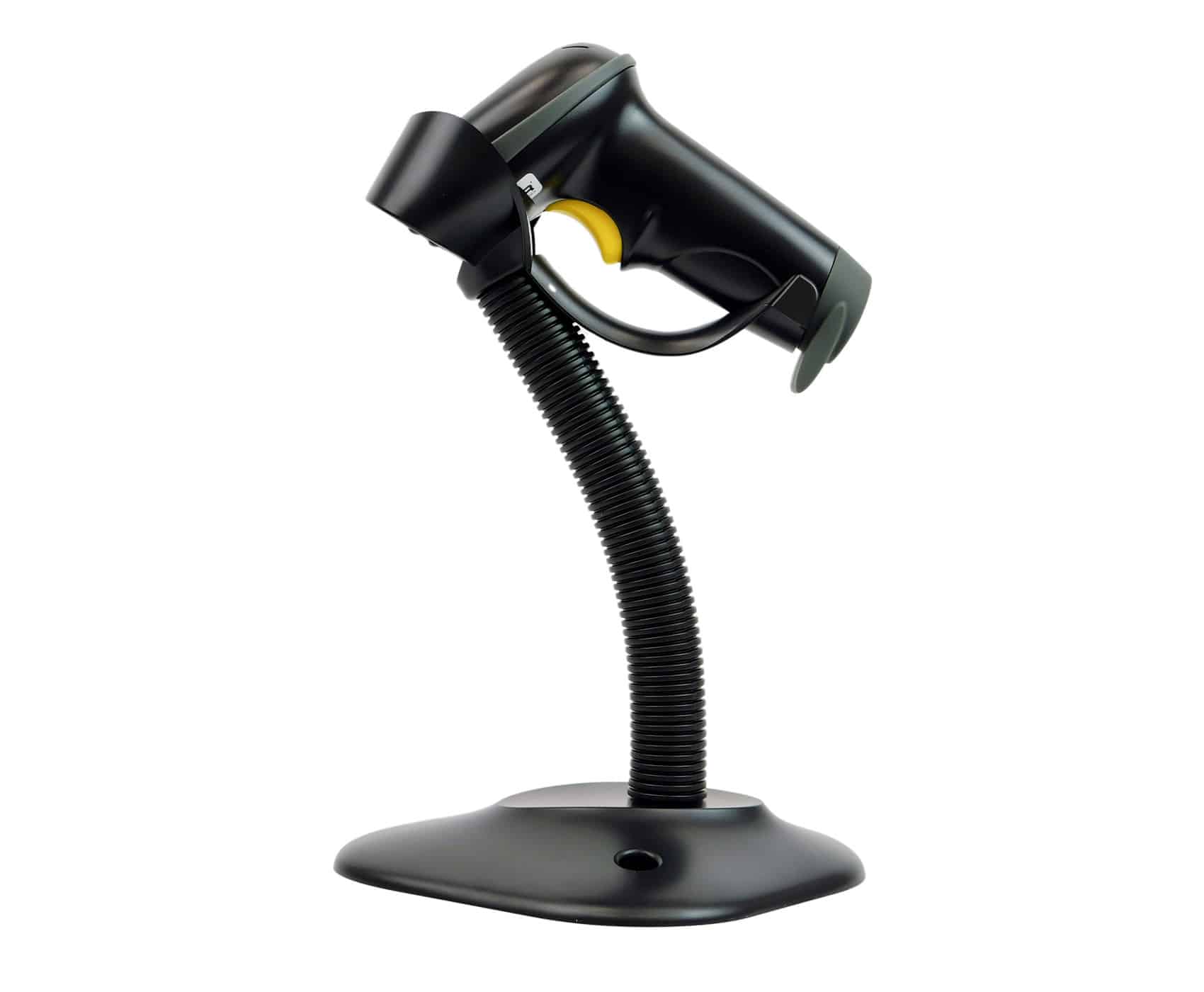
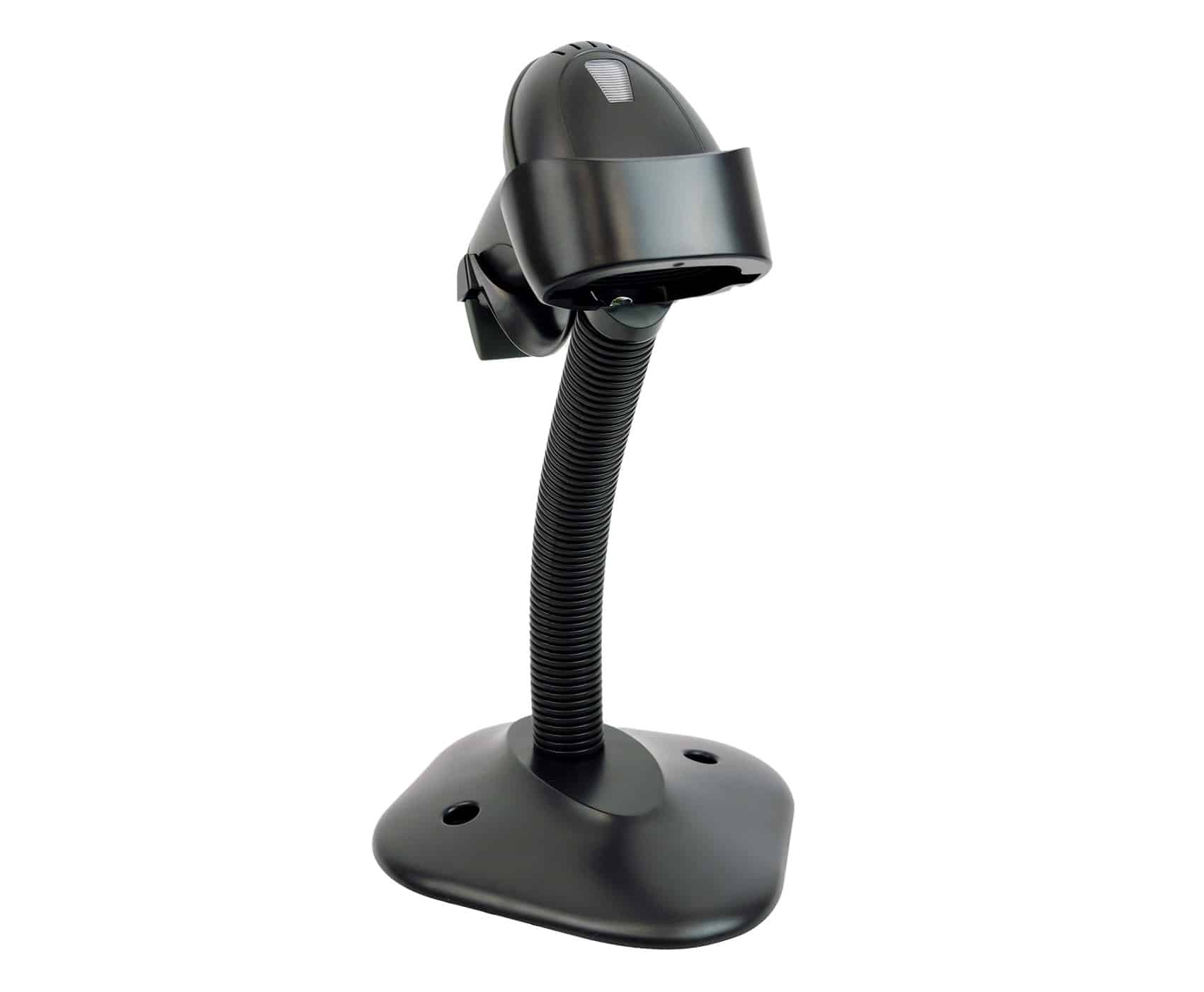
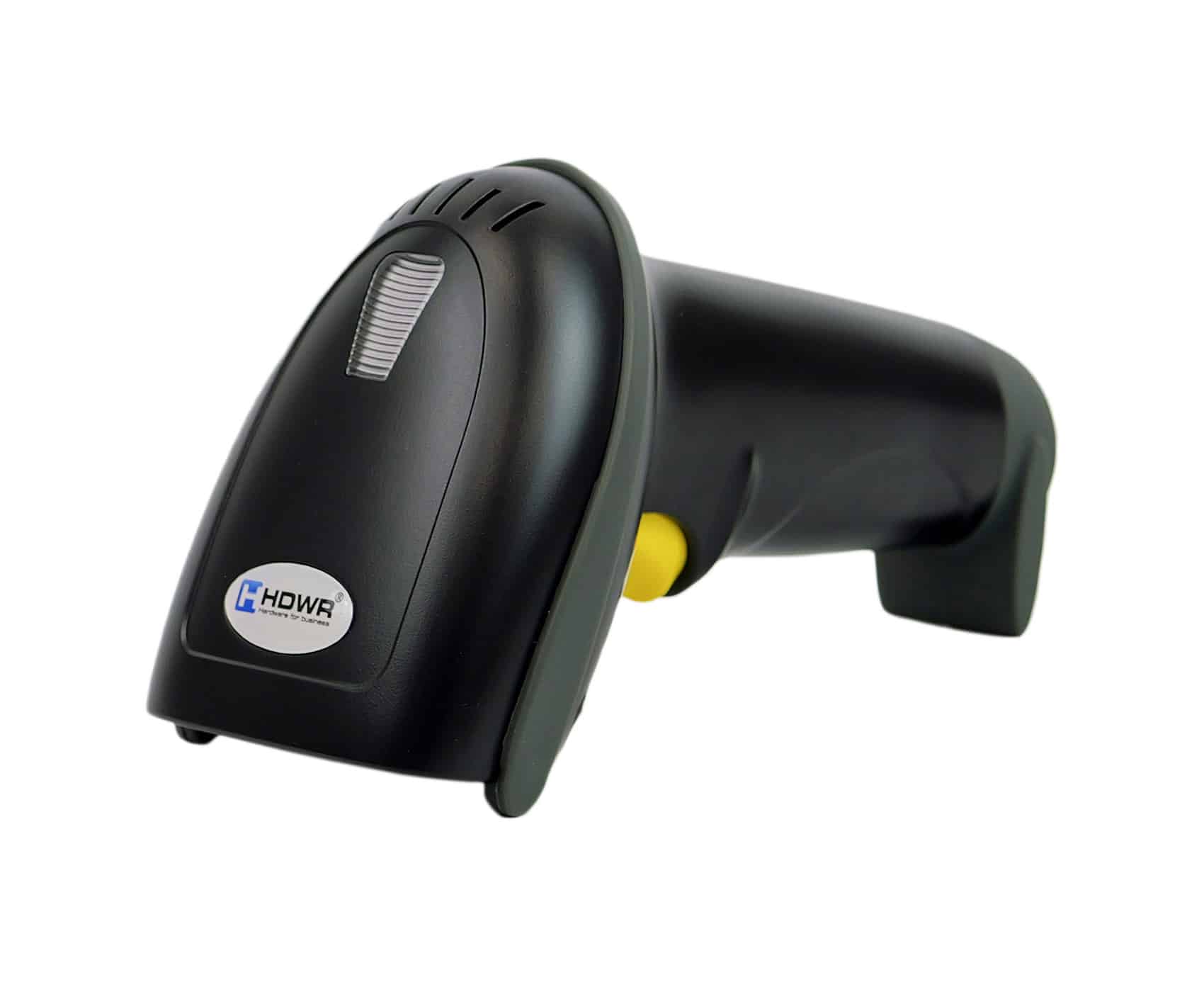
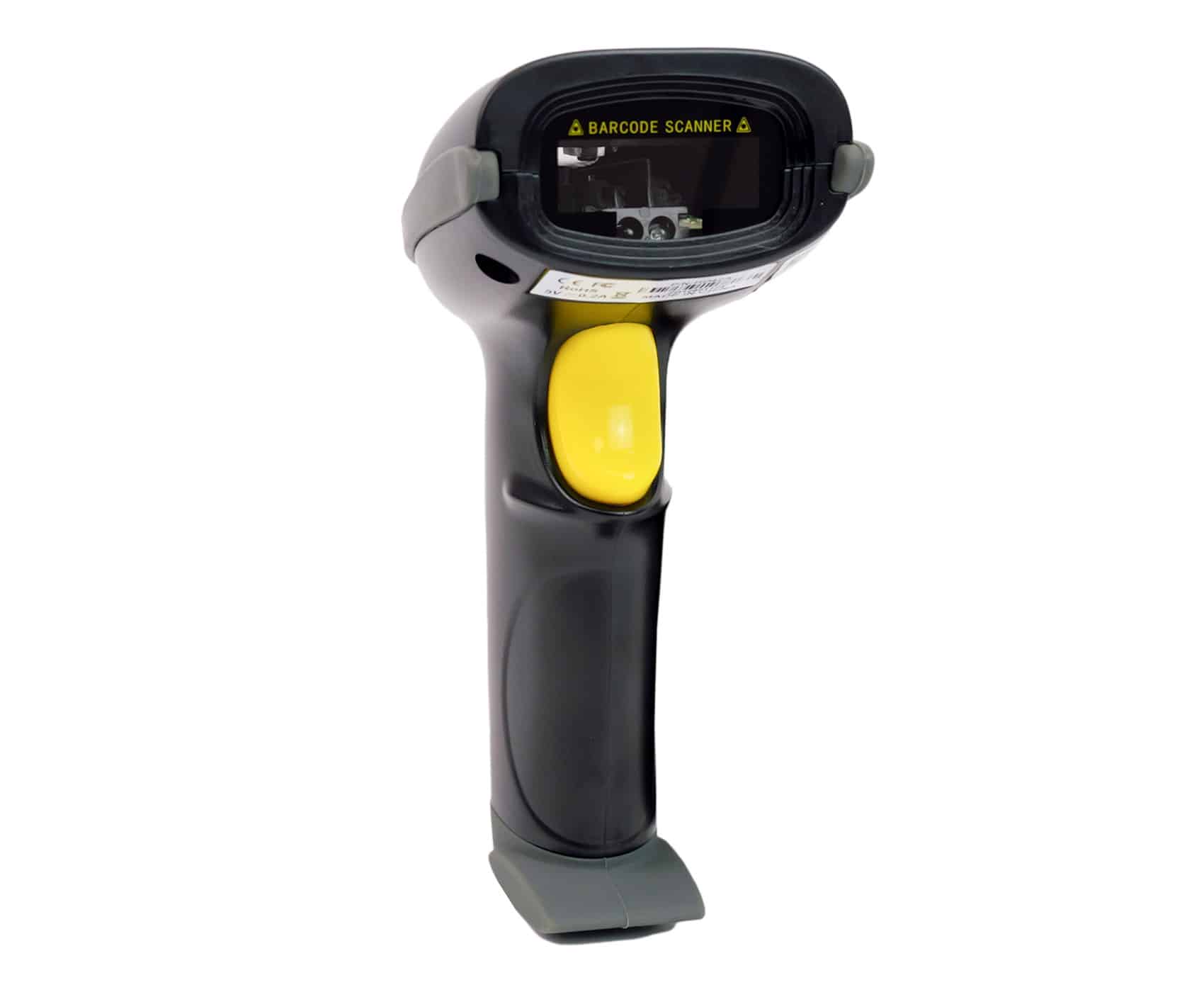
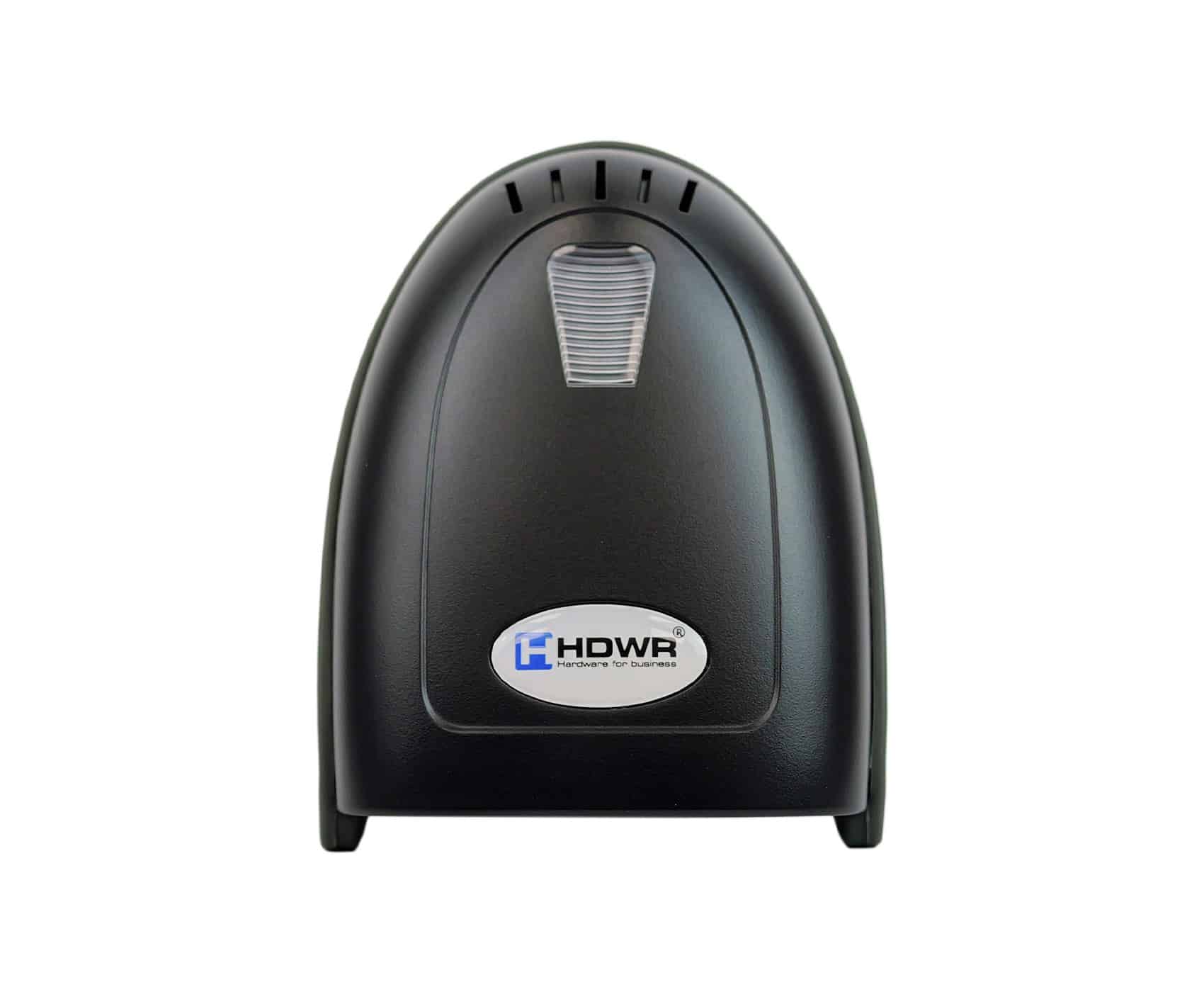
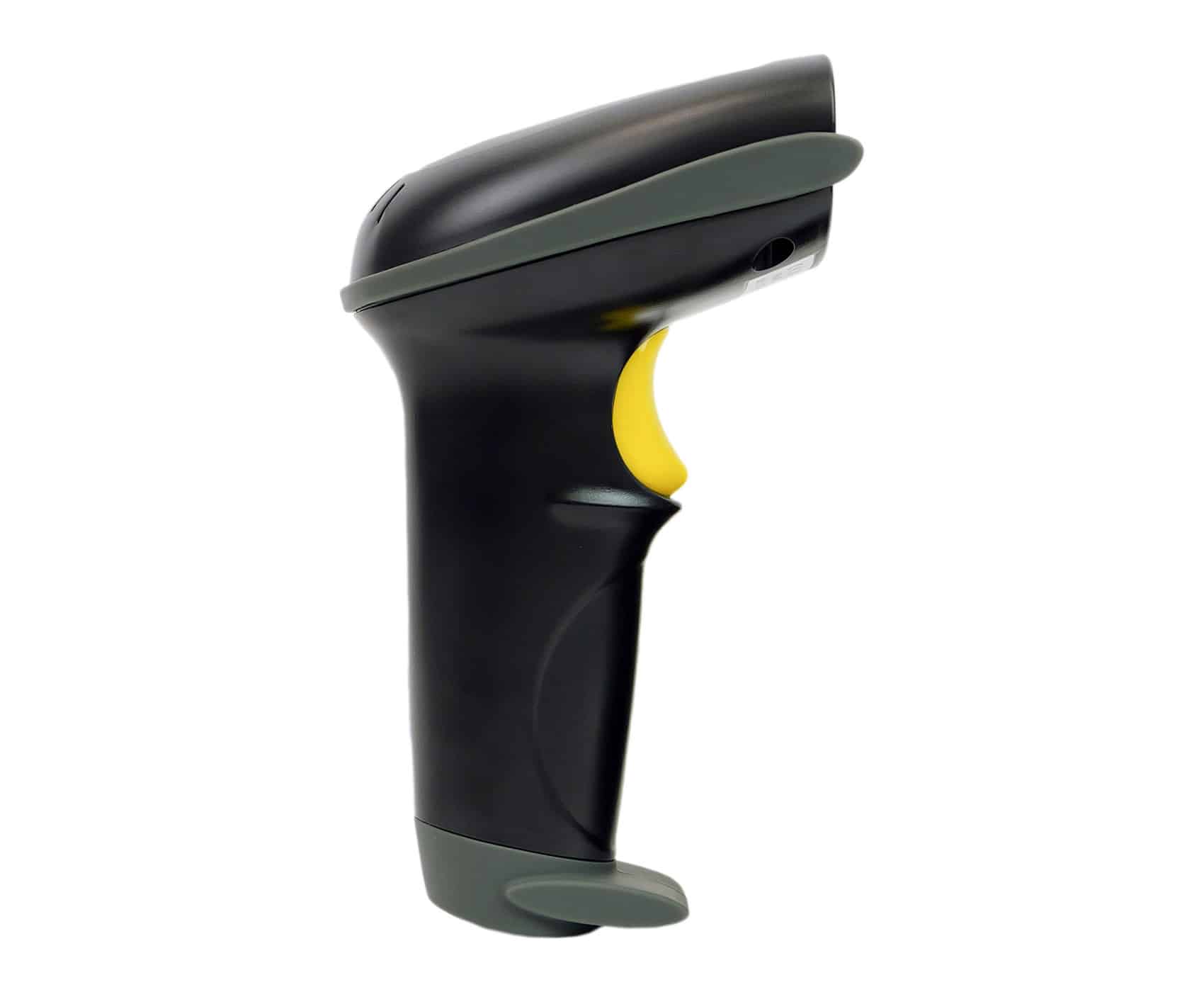
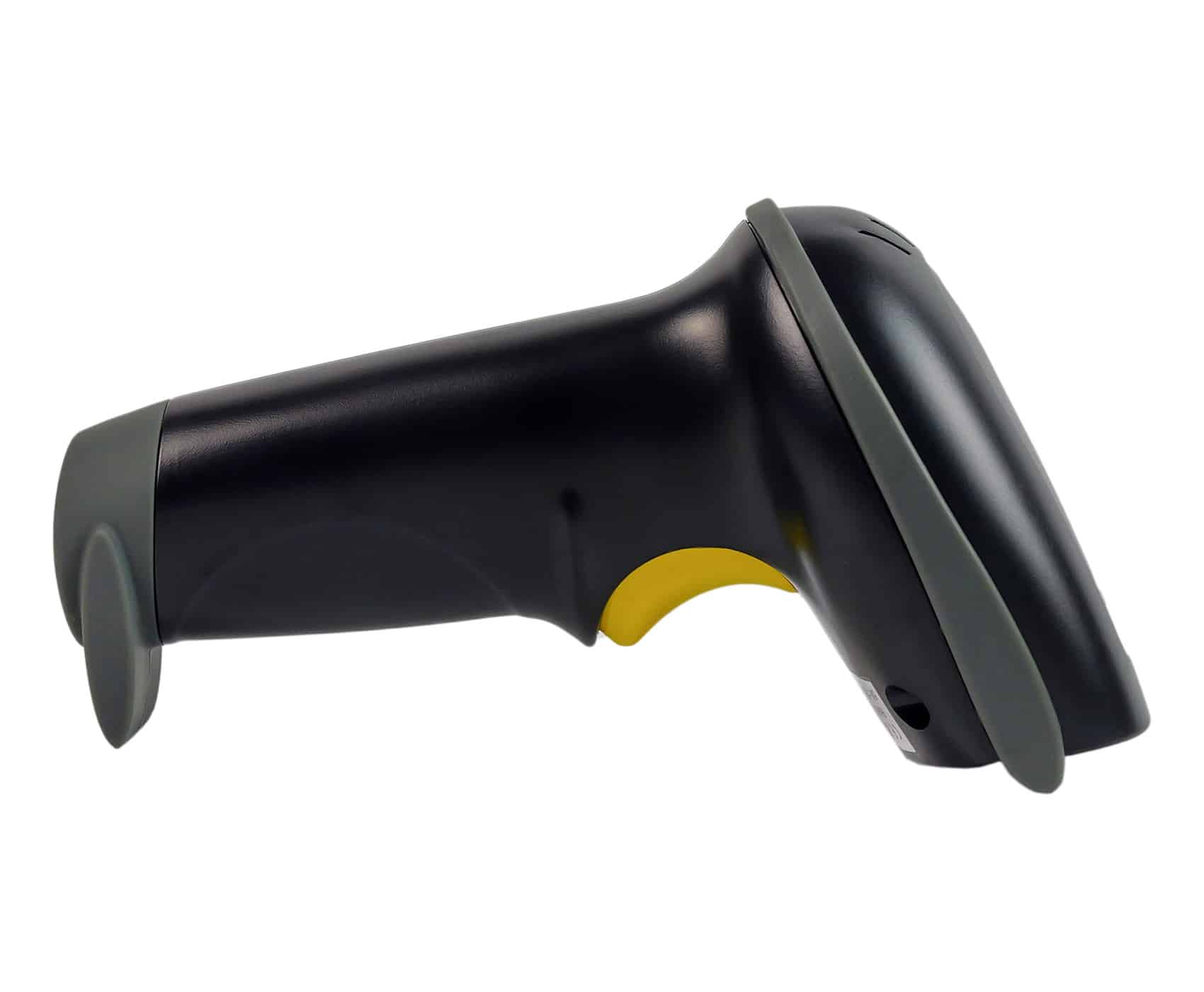
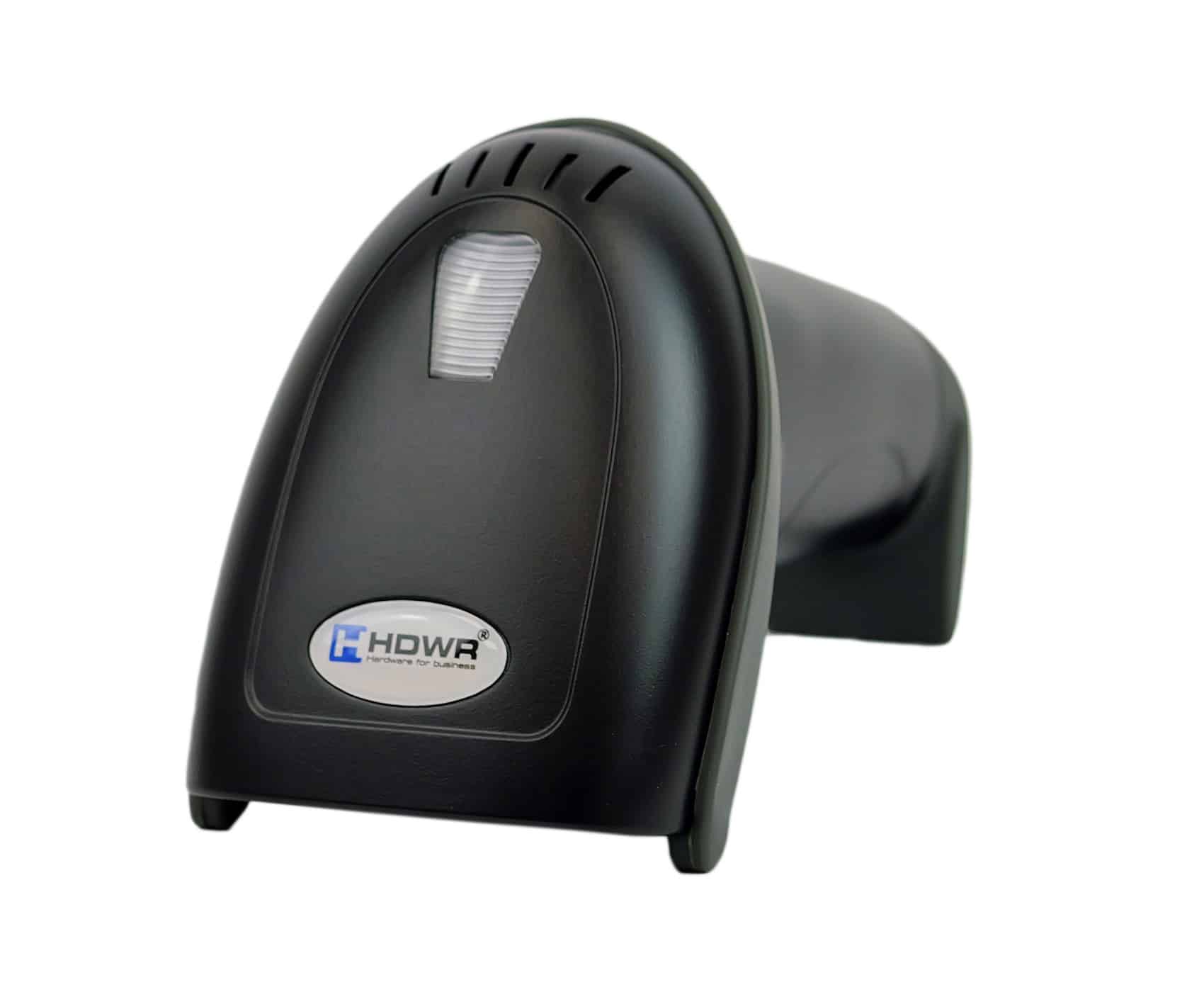
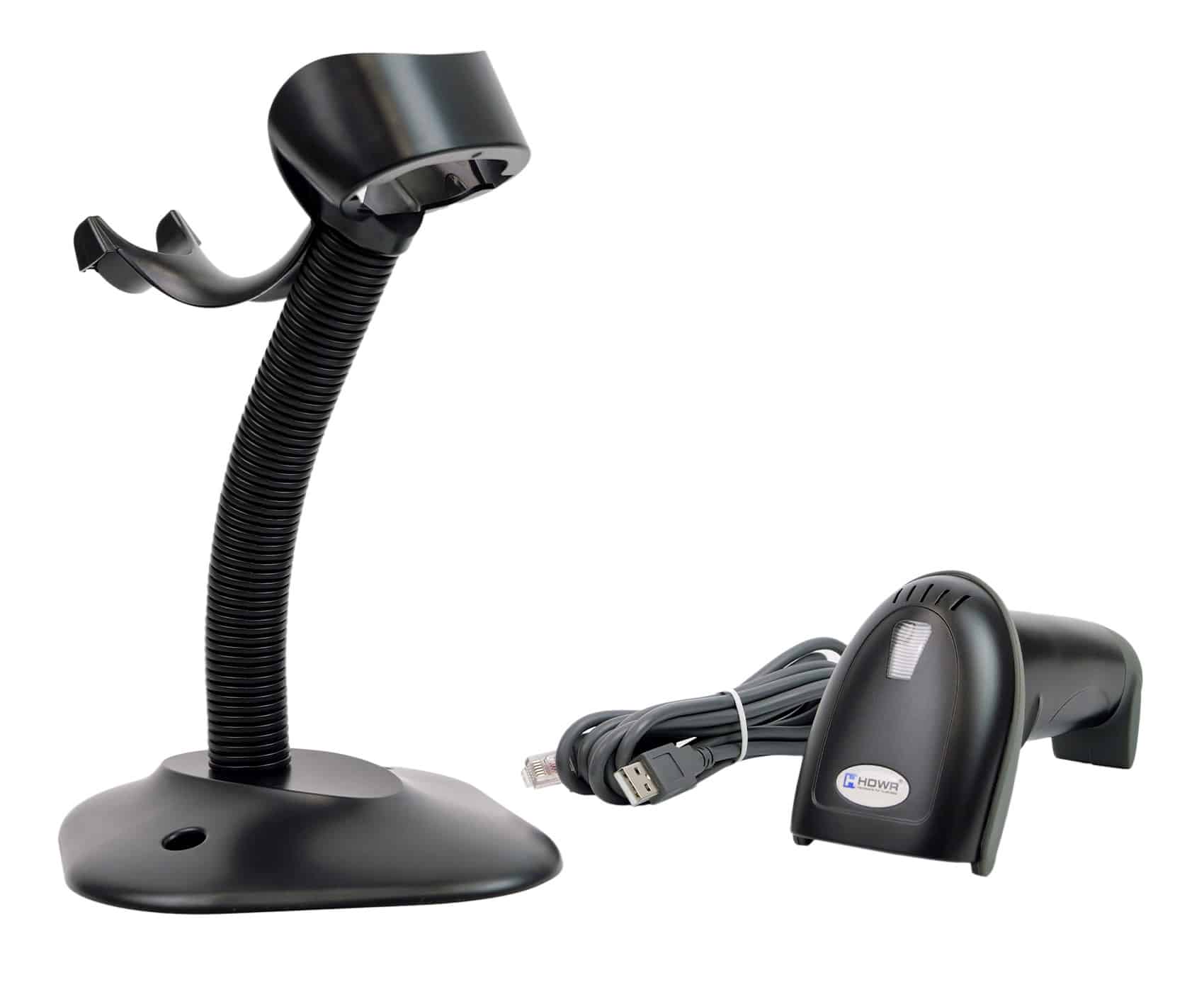
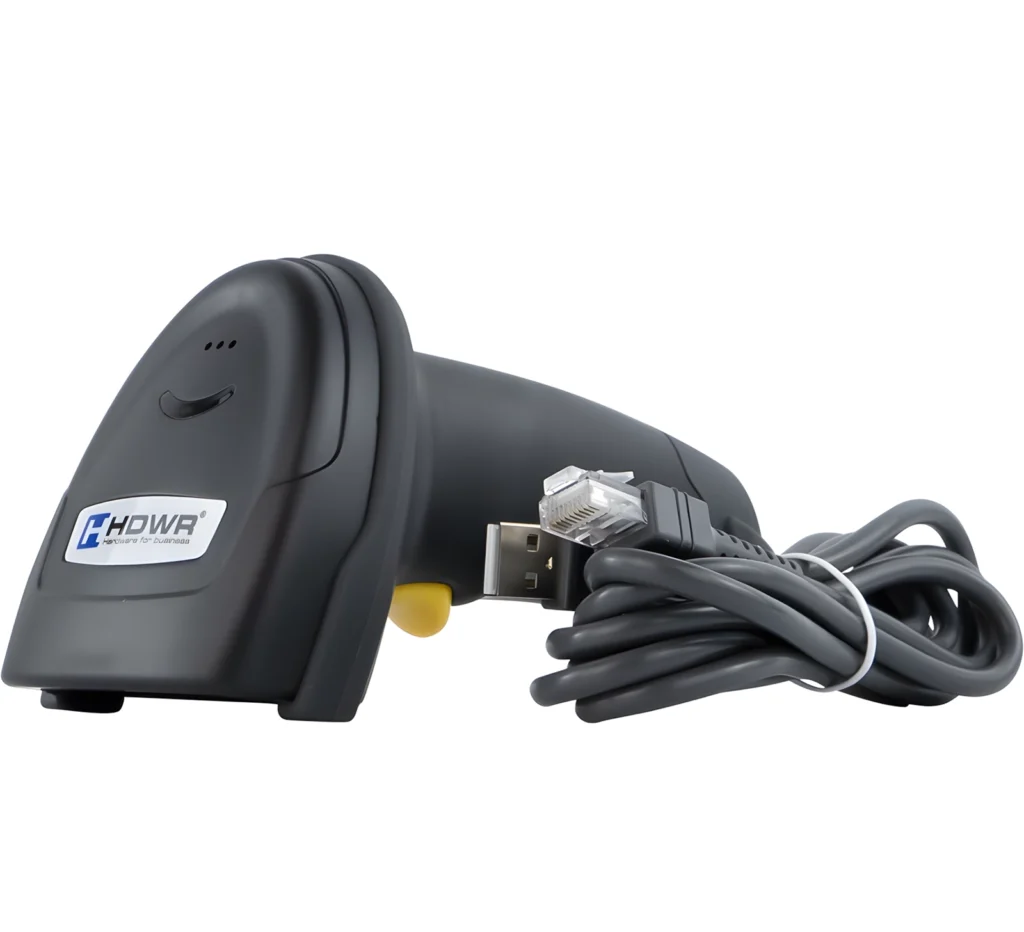
Wired laser barcode scanner with stand HD42A

GTIN: 5905669434027 SKU: HD42A Category:
  • Type of scanned codes: 1D barcodes
  • Light source: 650 nm laser
  • Scanning mode: manual (trigger) / automatic (hands-free with stand)
  • Scanning speed: 200 scans per second
  • Available interfaces: USB
  • Cable length: 200 cm
  • Protection level: IP54
  • Additional features: programmable prefix and suffix, stand included
  • Set includes: scanner, dedicated stand, USB cable, user manual

52.56(42.73 net)

376 in stock

Product availability
Secure payment
Secure payments
Pay quickly online and shop safely with Stripe Accepted payment methods

Shipping and returns
+ Satisfaction guarantee
Returnable within 30 days
Wired barcode scanner icon

Automatic and economical – introducing the HD42A scanner

The wired HD42A barcode scanner boasts an ergonomic design that enhances daily use comfort, and its sleek appearance ensures it fits seamlessly into any interior. It is crafted from high-quality materials and features a robust build, providing durability and resistance to falls from heights of up to 1.5 meters. Browse more wired barcode scanners in our offer.
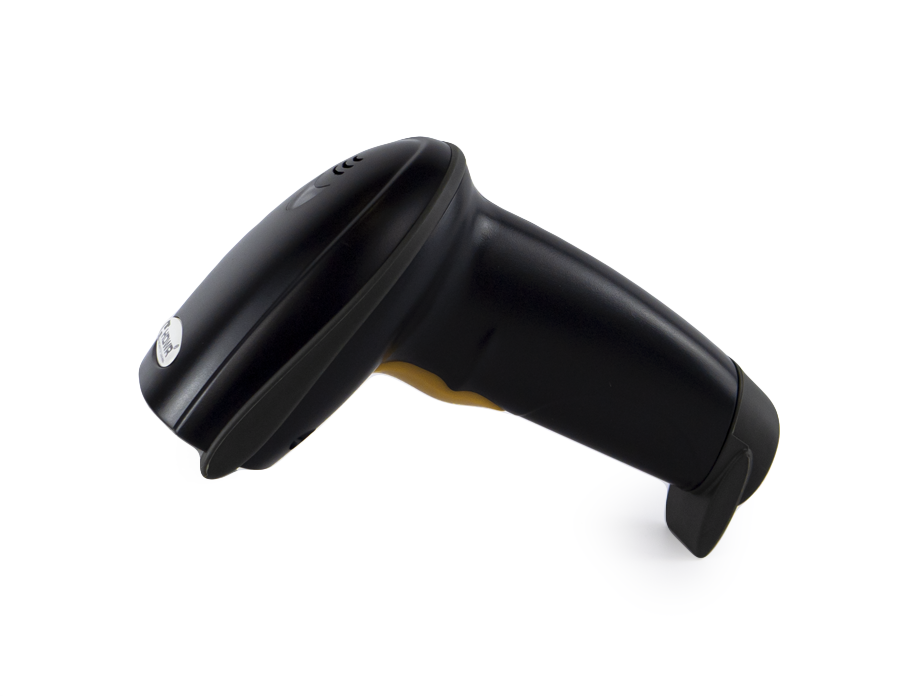

HD42A wired laser barcode scanner with stand

Accurate scanning icon

Accurate and fast scanning

The laser optical system, crafted from high-quality materials, offers seamless scanning of leading 1D codes. A significant advantage is its ability to work in automatic mode, in which codes are scanned autonomously the moment they come within the laser’s range. This eliminates the need to press the scanning button, enhancing work efficiency, and combined with the stand included in the set, makes the scanner a virtually maintenance-free device.
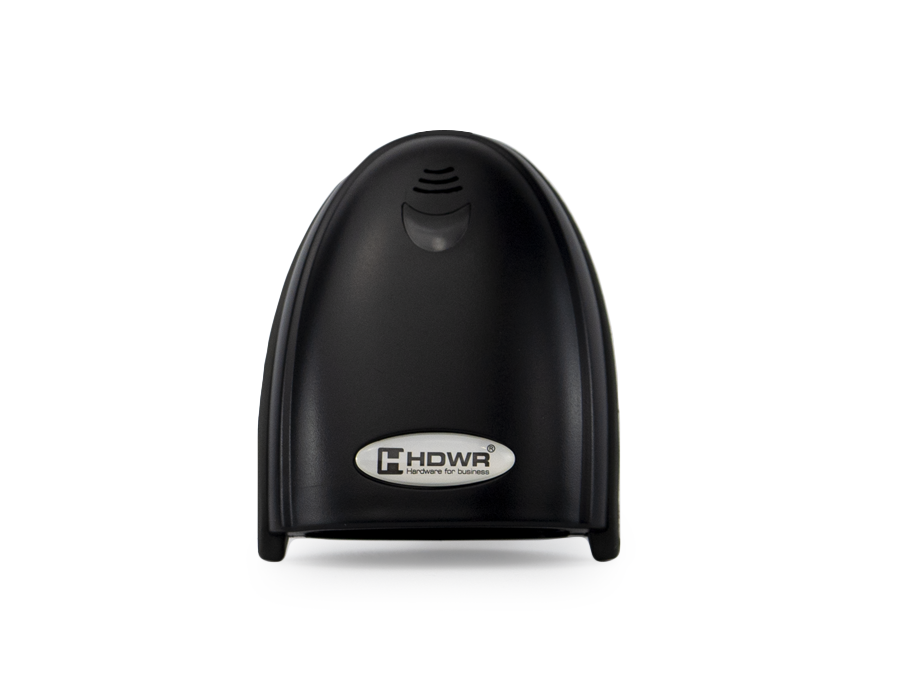

HD42A automatic laser scanning

Functionality icon

Ease of use and functionality

Noteworthy is the ability to program any prefix and suffix in the scanner. The HD42A model is compatible with most of the cash registers available on the market and is perfectly suited for use in all kinds of shops, supermarkets and retail outlets. The integrated 200 cm USB cable provides comfortable reach at every workstation.
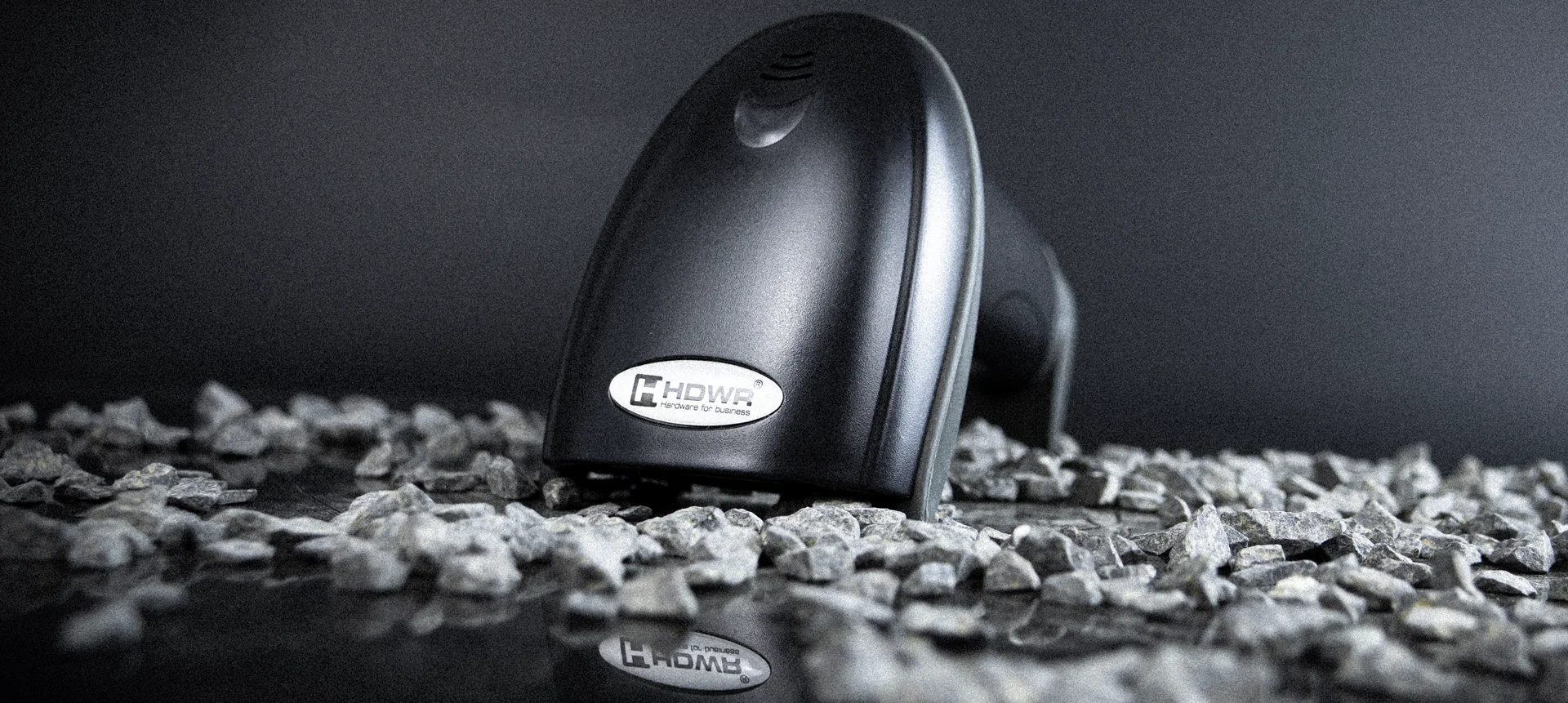
HD42A wired barcode scanner at the checkout

Set includes icon

The set includes:

Wired HD42A barcode scanner, dedicated reader stand, integrated USB cable, original user manual.
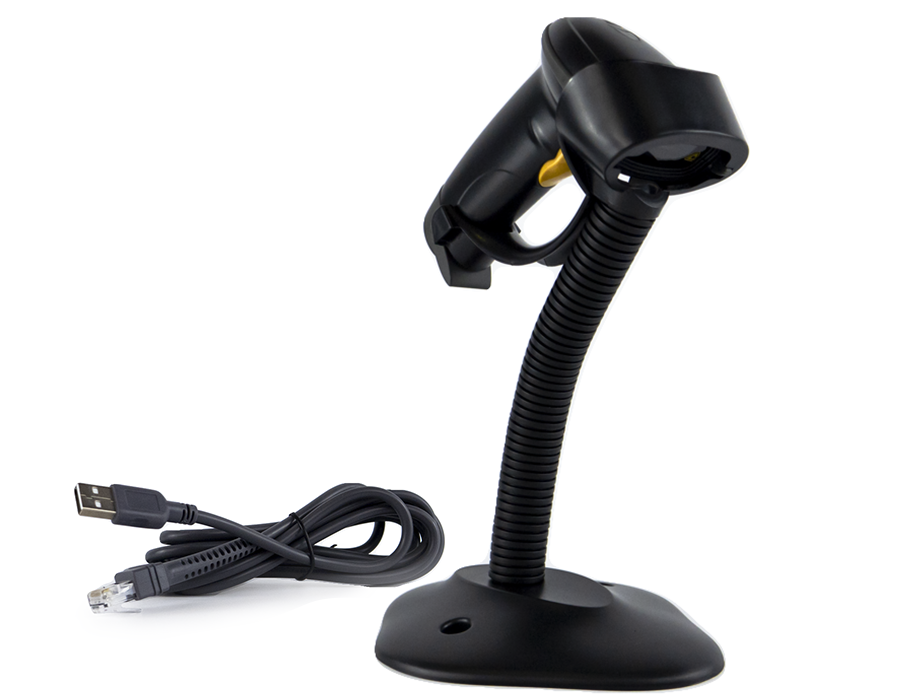

HD42A set contents - scanner, stand, cable

YouTube icon

Discover the HD42A

Watch the product overview on YouTube:

Specification

  • Warranty: 2 years
  • Material Composition: ABS + PC
  • Light Source: 650 nm Laser
  • Scanning Method: Button-activated (manual) / upon code proximity (automatic)
  • Scan Confirmation: Audible and visual signal
  • Scanning Speed: 200 scans per second
  • Reading Width: 100 mm
  • Reading Accuracy: 0.10-0.825 mm
  • Interface: USB, RS232
  • Cable Length: 200 cm
  • Protection Rating: IP54
  • Device Dimensions: 65 x 135 x 90 mm
  • Dimensions with stand: 153 x 175 x 260 mm
  • Packaging Dimensions: 200 x 140 x 80 mm
  • Device Weight: 115 g
  • Weight with Packaging: 235 g
  • Operating Temperature: 0 - 45°C
  • Storage Temperature: -40 - 60°C
  • Operating Humidity: 5 - 95%
  • Readable 1D Codes: EAN-13, EAN-8, UPC-A, UPC-E, Code 39, Code 93, Code 128, Interleaved 2 of 5, ITF-14, Industrial 2 of 5, Matrix 2 of 5, Codabar, Code 11, GS1 DataBar, GS1 DataBar Limited, GS1 DataBar Expanded
  • Scanning engine: Laser
  • Interface: RS232
  • Scanning method: manually/automatically
  • Reader stand: Yes
  • Built-in memory: No
  • Codes being read: 1D (line)
  • Docking station: No
  • Long Range: No
  • Reading codes from the LCD screen: No
  • USB Receiver: No

Frequently asked questions

Does the HD42A really scan without pressing a button?

Yes. When placed on the included stand, the HD42A operates in automatic (hands-free) mode and reads a barcode the moment it enters the laser beam. You only need to present the code to the scanner, which makes it ideal for high-volume checkouts and packing stations.

Can I add a prefix or suffix to scanned data?

Yes. The HD42A supports programming of custom prefix and suffix characters (such as #, $, @, ~, vertical dash, semicolon or Enter). The relevant programming sheets are available in the “Files to download” section – simply scan the configuration codes to activate your chosen option.

Is the HD42A compatible with cash registers and POS software?

The scanner connects via USB and works as a standard HID keyboard, so it is recognized automatically by Windows, Linux and most POS, ERP and cash register systems without any additional drivers. It is compatible with the vast majority of fiscal cash registers available on the market.

How durable is the HD42A housing?

The scanner is built from ABS + PC materials and is rated IP54 against dust and water splashes. It withstands accidental drops from heights of up to 1.5 meters, which makes it reliable for daily retail and warehouse use.
Help Center (FAQ)

Files to download

User Manual HD42A English.pdf Data sheet HD42A English.pdf User Manual HD42A German.pdf User Manual HD42A Polish.pdf Data sheet HD42A German.pdf Data sheet HD42A Polish.pdf Checksum transmission EAN13 HD42A German.pdf Checksum transmission EAN13 HD42A Polish.pdf Programming # and vertical dash as Prefix HD42A German.pdf Programming # and vertical dash as Prefix HD42A Polish.pdf Programming # and vertical dash as Suffix HD42A German.pdf Programming # and vertical dash as Suffix HD42A Polish.pdf Programming # as prefix HD42A German.pdf Programming # as prefix HD42A Polish.pdf Programming # as suffix HD42A German.pdf Programming # as suffix HD42A Polish.pdf Programming $ as prefix HD42A German.pdf Programming $ as prefix HD42A Polish.pdf Programming ; as Suffix HD42A German.pdf Programming ; as Suffix HD42A Polish.pdf Programming @ as Prefix HD42A German.pdf Programming @ as Prefix HD42A Polish.pdf Programming ~ as Prefix HD42A German.pdf Programming ~ as Prefix HD42A Polish.pdf Programming vertical dash as prefix HD42A German.pdf Programming vertical dash as prefix HD42A Polish.pdf Programming vertical dash as Suffix HD42A German.pdf Programming vertical dash as Suffix HD42A Polish.pdf Setup interface PS2 HD42A German.pdf Setup interface PS2 HD42A Polish.pdf Restore factory setting HD42A German.pdf Restore factory setting HD42A Polish.pdf Setup interface RS232 HD42A German.pdf Setup interface RS232 HD42A Polish.pdf Checksum transmission UPC-A HD42A German.pdf Checksum transmission UPC-A HD42A Polish.pdf
Buy similar

Let's check products below

Hand-picked promo gear that works hard: scanners, scales, time & access systems. Stock moves fast.