Secure payments
Pay quickly online and shop safely with Stripe


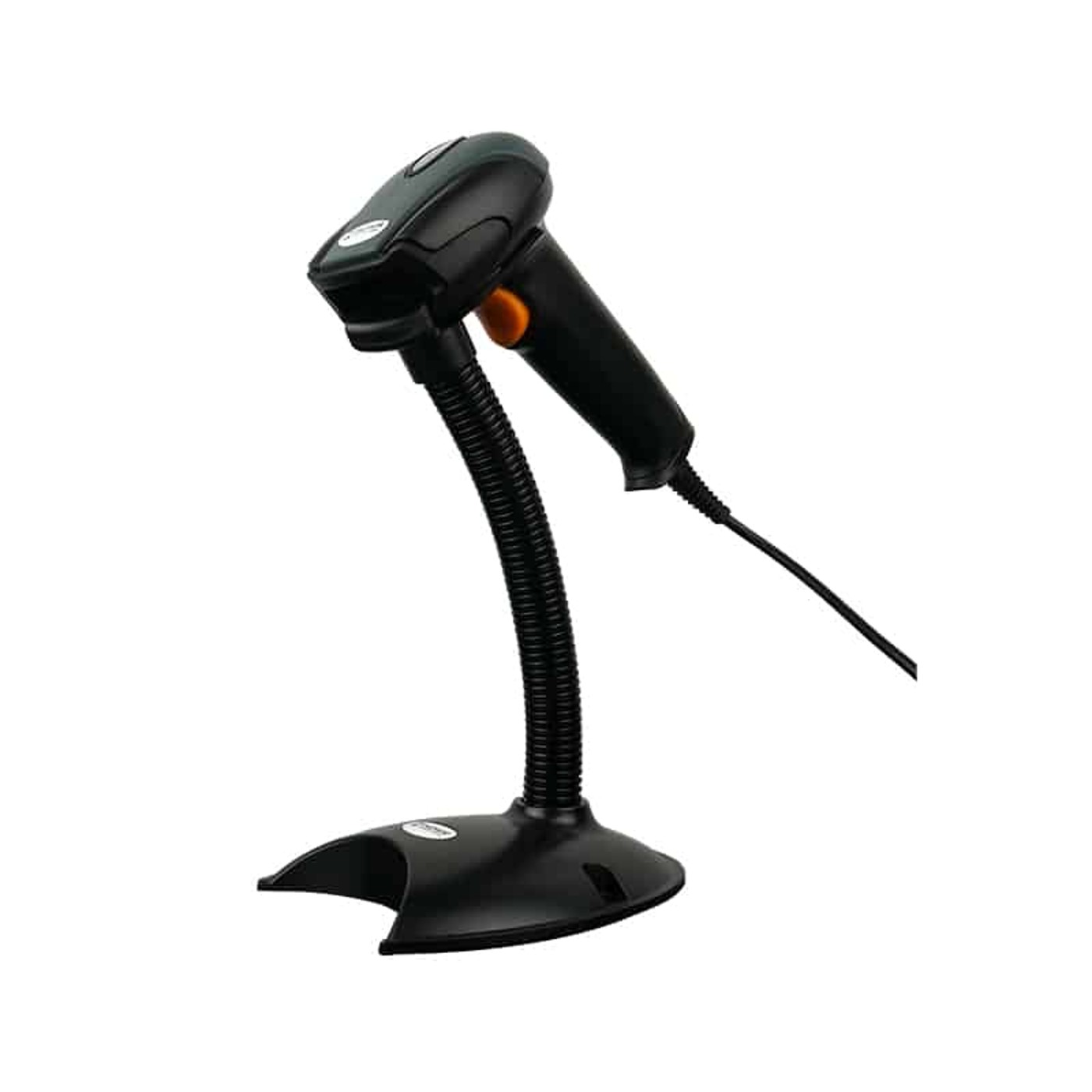




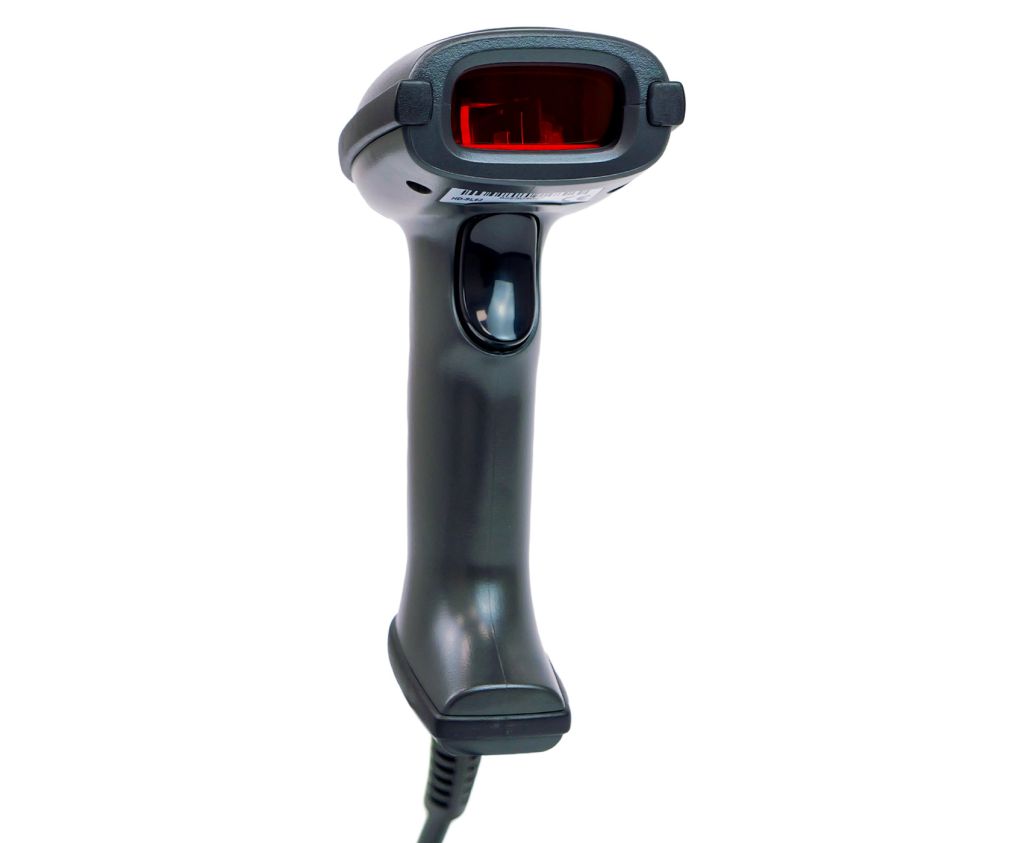
The HD29A is a wired barcode scanner built from high-quality ABS+PC materials, ensuring durability even in demanding environments. Its ergonomic shape and well-balanced weight make it comfortable during long scanning sessions. The scanner works seamlessly with cash registers, making it ideal for stores, supermarkets, warehouses and shipping companies. Browse more wired barcode scanners in our offer.
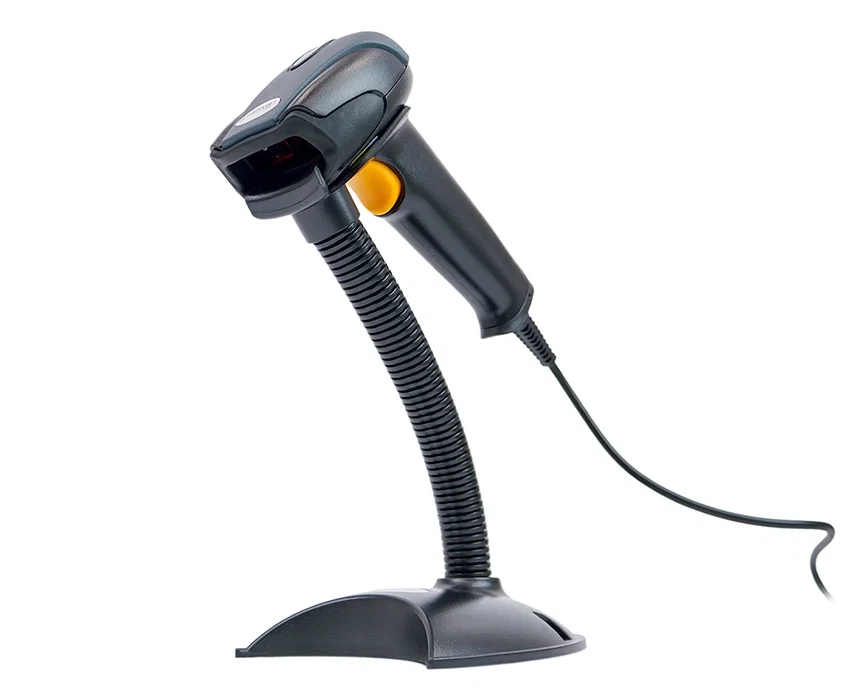

The HD29A features a modern professional scanning engine capable of reading all major 1D barcodes regardless of their quality. It easily handles difficult, blurred or damaged codes. The device can work in automatic mode — codes are scanned immediately upon approach to the scanner window, eliminating the need to press a button and increasing throughput. Automatic mode combined with the included cradle makes the HD29A virtually maintenance-free. A key advantage is the ability to program any prefix and suffix, including function keys (F11, F9, F7, etc.).


The HD29A supports Plug&Play operation via USB — it works immediately after connecting to a computer with no driver installation required. For more advanced users, the scanner also supports USB Virtual COM and RS232 (via dedicated cable) interfaces, significantly expanding compatibility with ERP, WMS and POS systems. The comprehensive user manual included in the set provides step-by-step instructions for programming prefixes, suffixes, scan delays, checksums and other parameters.
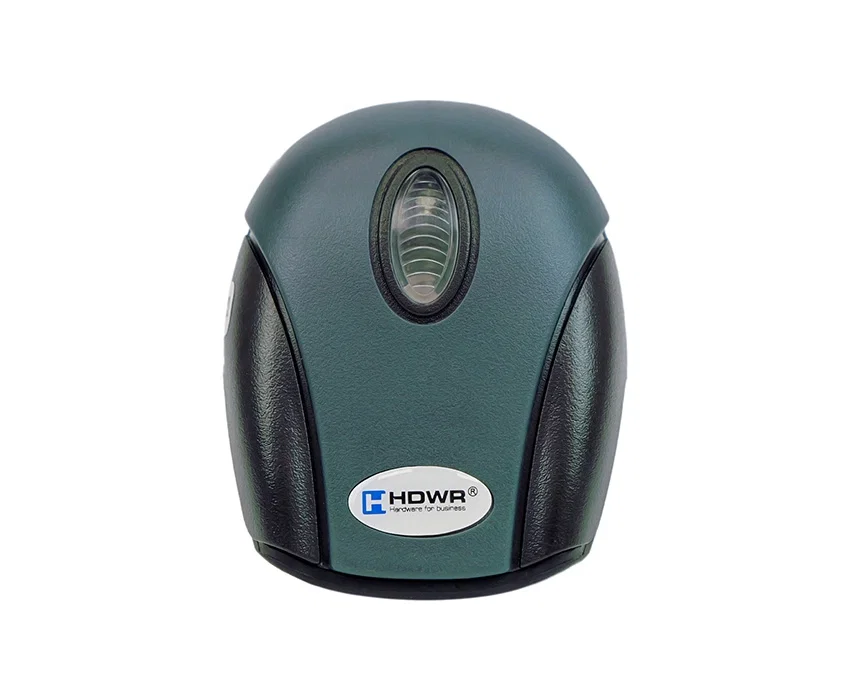
Wired HD29A barcode scanner, dedicated cradle, USB cable, comprehensive user manual in English.


Watch the product overview on YouTube:
If the reader’s LED flashes alternately blue and green, wait for the scanning laser to appear, then reset the device to factory settings using the “Set Defaults” code found in the paper manual on page 3. You can also scan the “Restore factory settings” code from the electronic manual available in the Files to download section on this product page (page 4, Main codes section).
The HD29A can be programmed with any character — including function keys such as F11, F9, F7 — as a prefix or suffix. Programming is done by scanning the corresponding control codes from the user manual included in the set. For a step-by-step guide, see the Help Center article on prefix and suffix configuration.
The HD29A is compatible with warehouse and accounting software such as Weaver WMS, Subiekt GT, WF-MAG, Comarch Optima and others. Correct operation typically requires setting the appropriate interface mode and optionally programming a prefix or suffix. Detailed configuration guides are available in the Help Center.


Paulina –
It reads everything straight away – a brilliant scanner!!!
Automatically translated
Krzysztof –
It reads barcodes without any problems. The stand included in the set and the automatic scanning feature make the job much easier. A great scanner at a good price!
Automatically translated
Paweł –
The product is as described. I’d recommend it.
Automatically translated
Ewelina –
It meets my expectations; everything is as described
Automatically translated