Secure payments
Pay quickly online and shop safely with Stripe


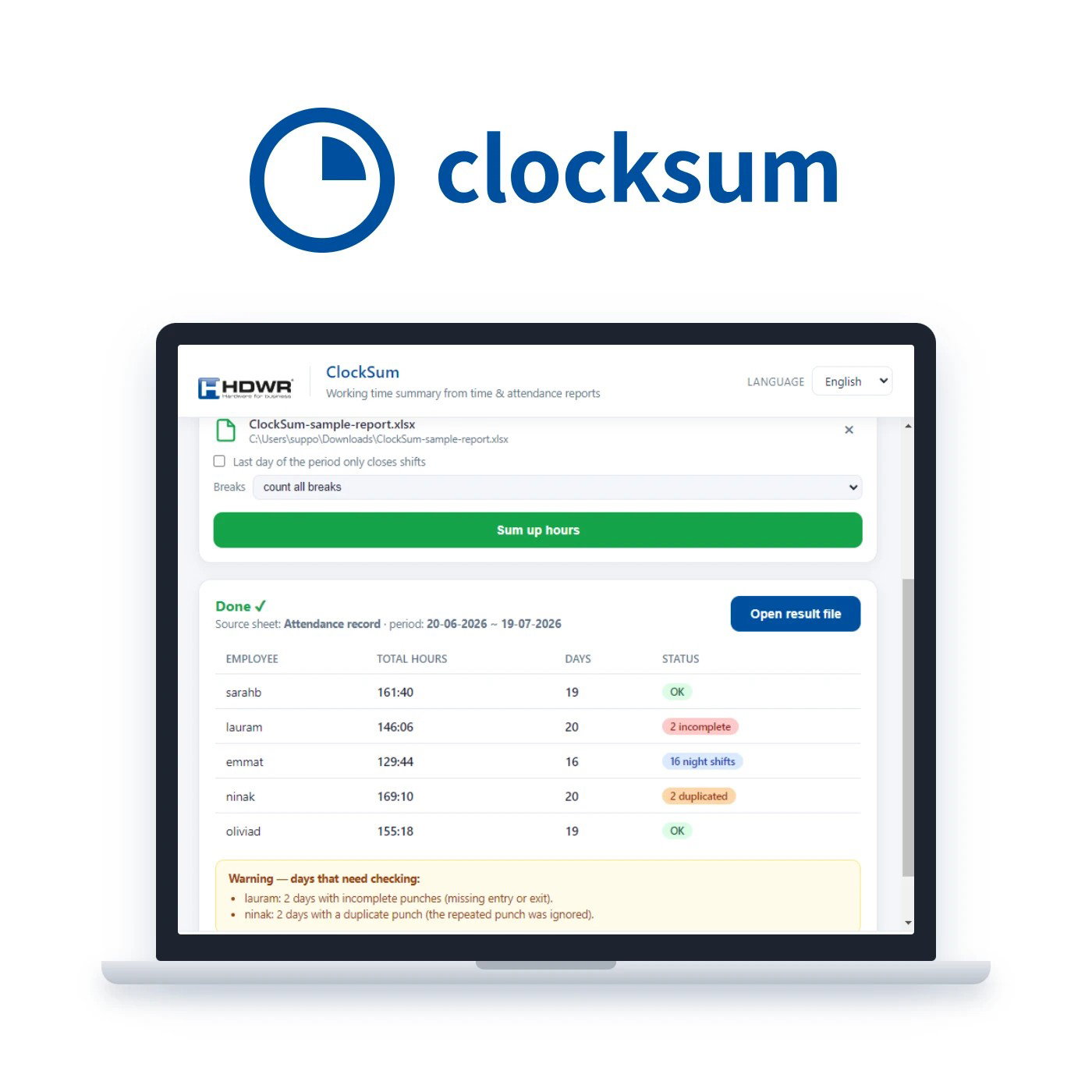
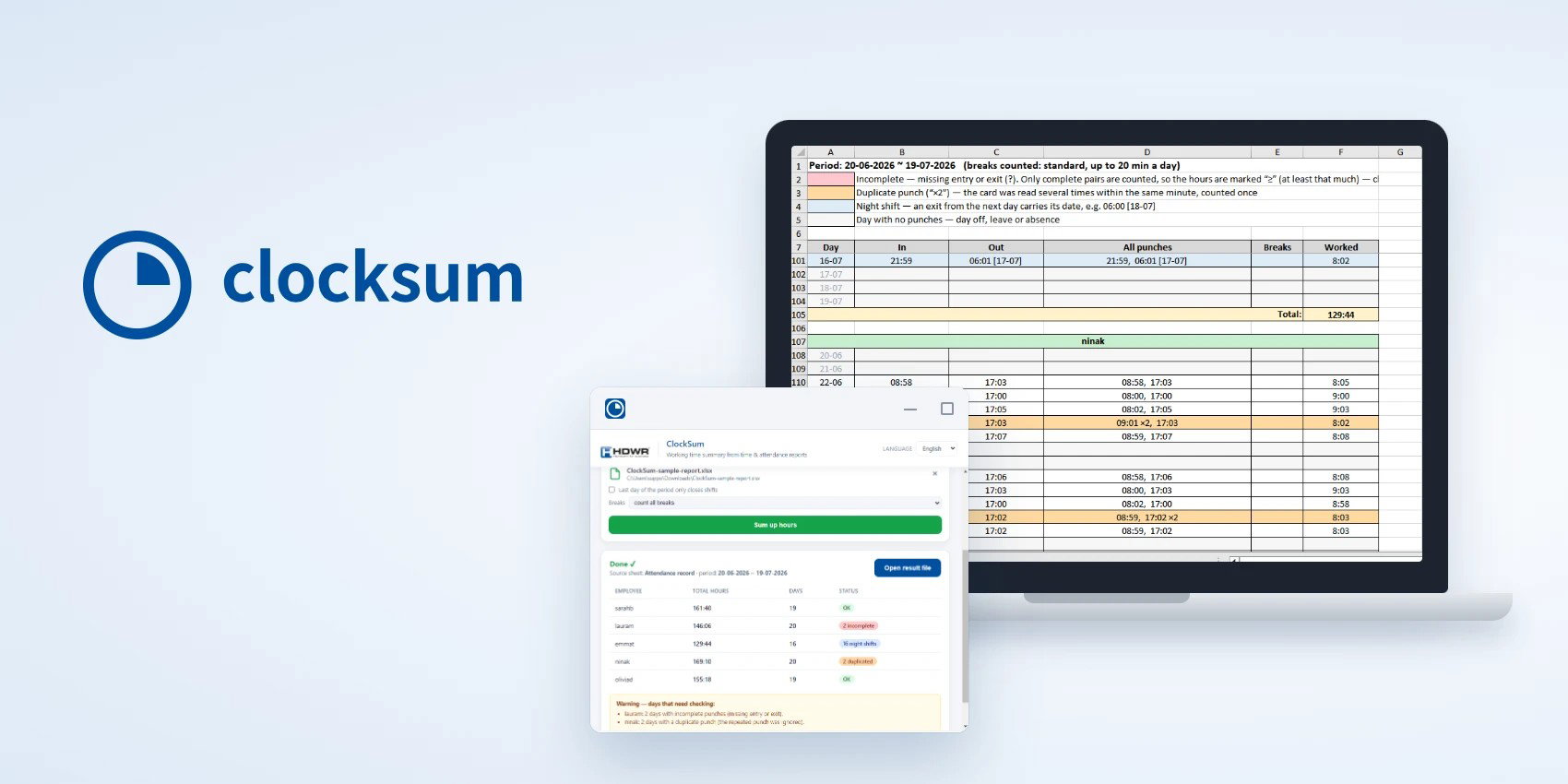




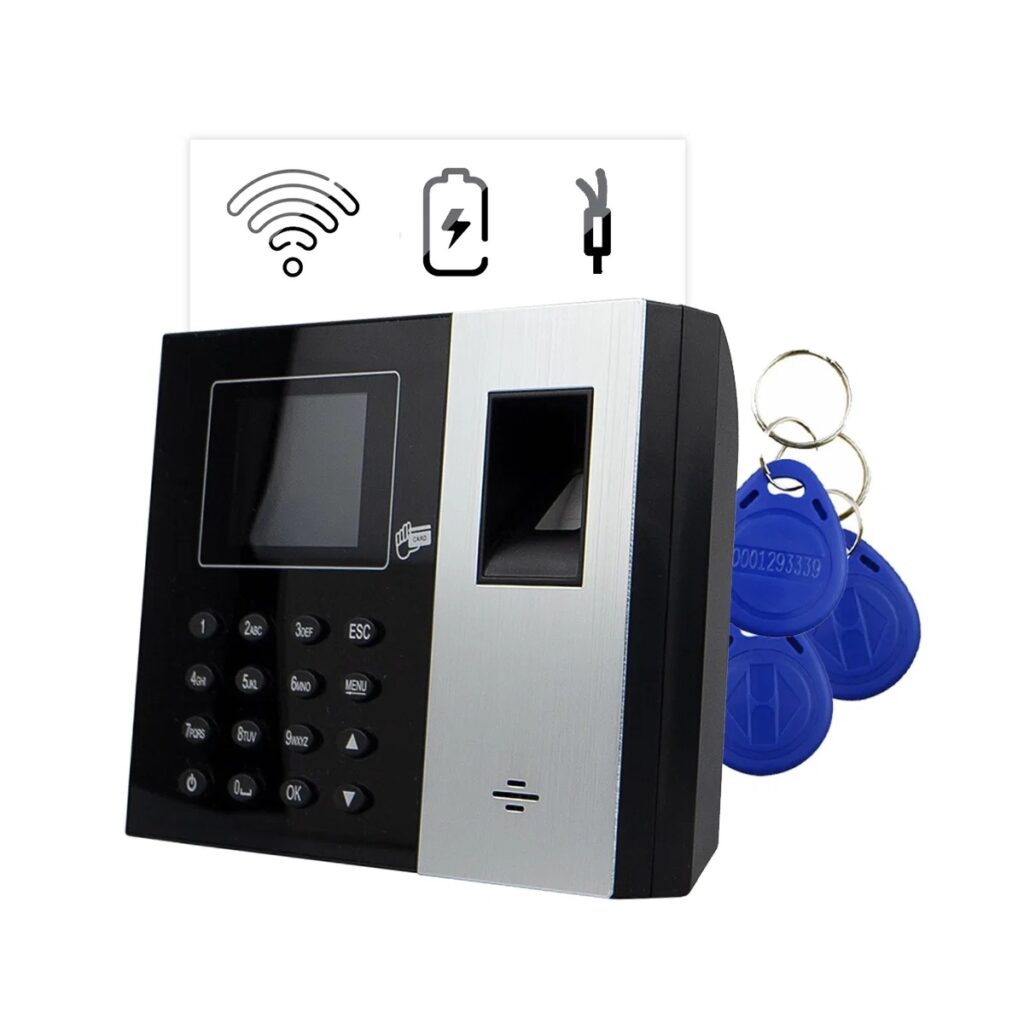
Monthly settlement of hours from a time recorder can take a whole afternoon – especially when the report contains night shifts, forgotten clock-outs or duplicate card clockings. ClockSum is a program developed by the HDWR team that loads the Excel file exported from a CTR series time recorder and turns it within moments into a clear summary of hours for each employee, ready to hand over to HR or payroll.
The program runs on your computer, without installation and without internet access, so working time data never leaves your company. Simply select the time recorder report, choose how breaks are counted and save the finished .xlsx file. A detailed description of the program, a sample summary and answers to frequently asked questions are available at clocksum.com.
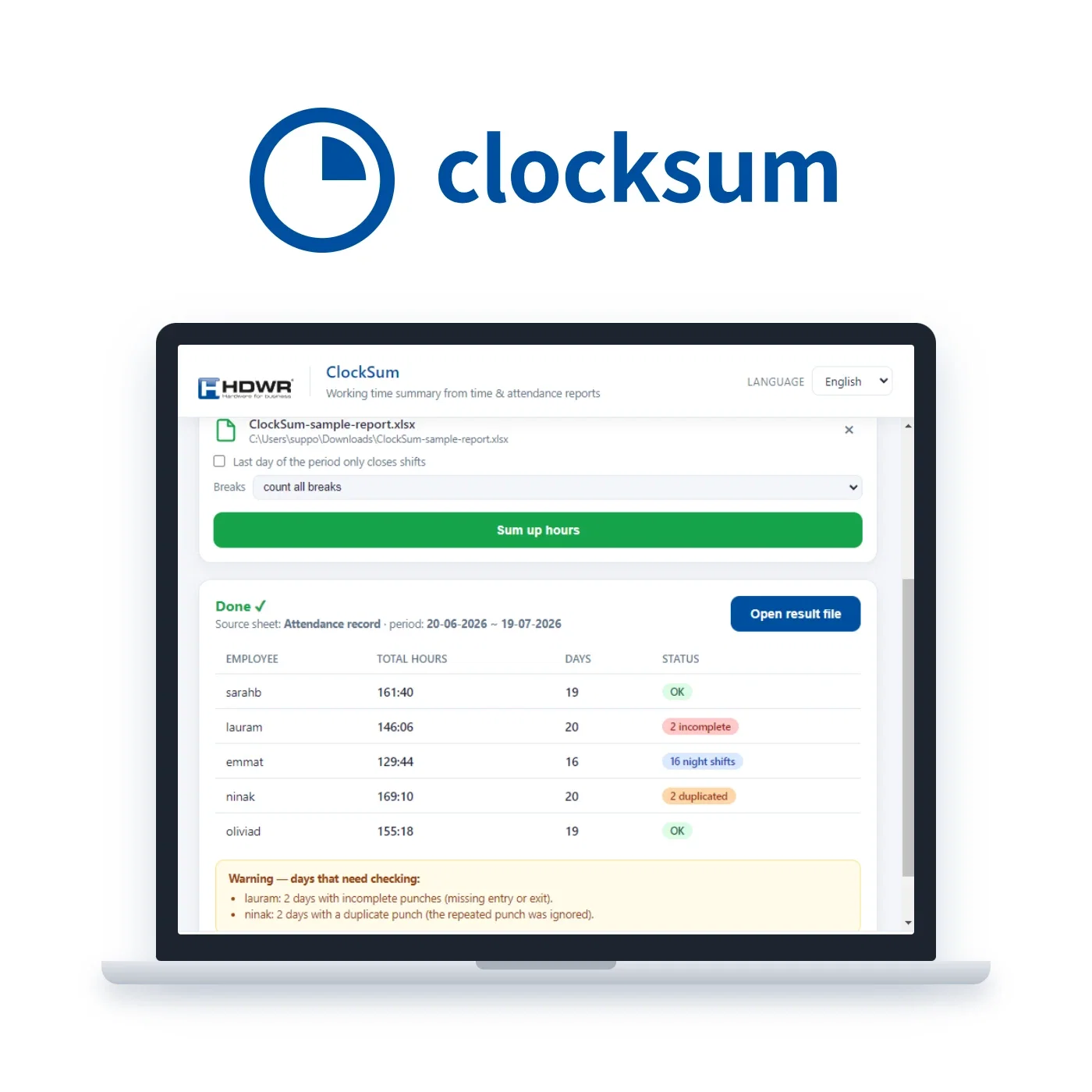

Night shifts. Clockings are paired on one continuous timeline, so a shift from 22:00 to 6:00 counts as 8 hours on the day it started. The program does not automatically pair clockings that are further apart than the maximum permitted shift length – the limit is set by the 11-hour daily rest period, and such cases are marked in red.
Missing clockings. If an employee forgets to clock in or out, ClockSum does not guess when they started or finished work. Such a day is marked in red, and a “?” appears in place of the missing time. The program does not add the hours from that day to the total and puts a “≥” sign in front of the total. This means that the employee worked at least that many hours – you will know the full result once the marked day has been clarified.
Duplicate clockings and the turn of the month. Presenting the card several times within the same minute counts as a single clocking marked “×2”. The program reads the date range from the report header, so a period spanning two months, e.g. from 20 June to 19 July, keeps the days in the correct order.


1. Load the report. Drag the .xlsx or .xls file into the program window – exactly as the time recorder saved it, without tidying it up first. ClockSum recognises the clocking log by its layout, so neither the sheet name nor the language set on the recorder matters.
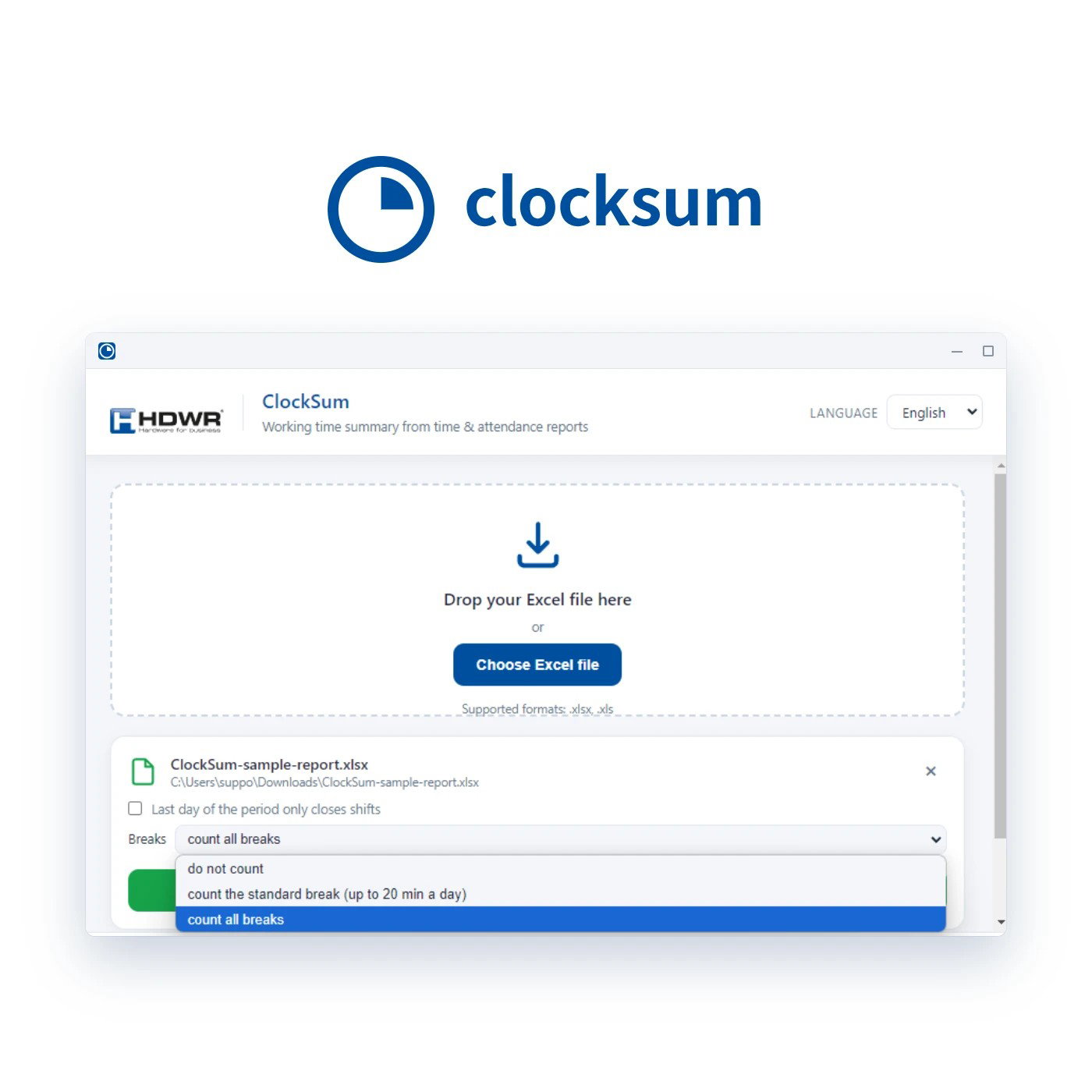
2. Choose how breaks are counted. You have three options: do not add breaks, add a standard break of up to 20 minutes a day, or add all breaks. The selected setting is saved in the output file next to the calculated hours.
3. Save the summary. The program creates a new file and does not change the original time recorder report. There is nothing to configure, no columns to map and no templates to prepare.


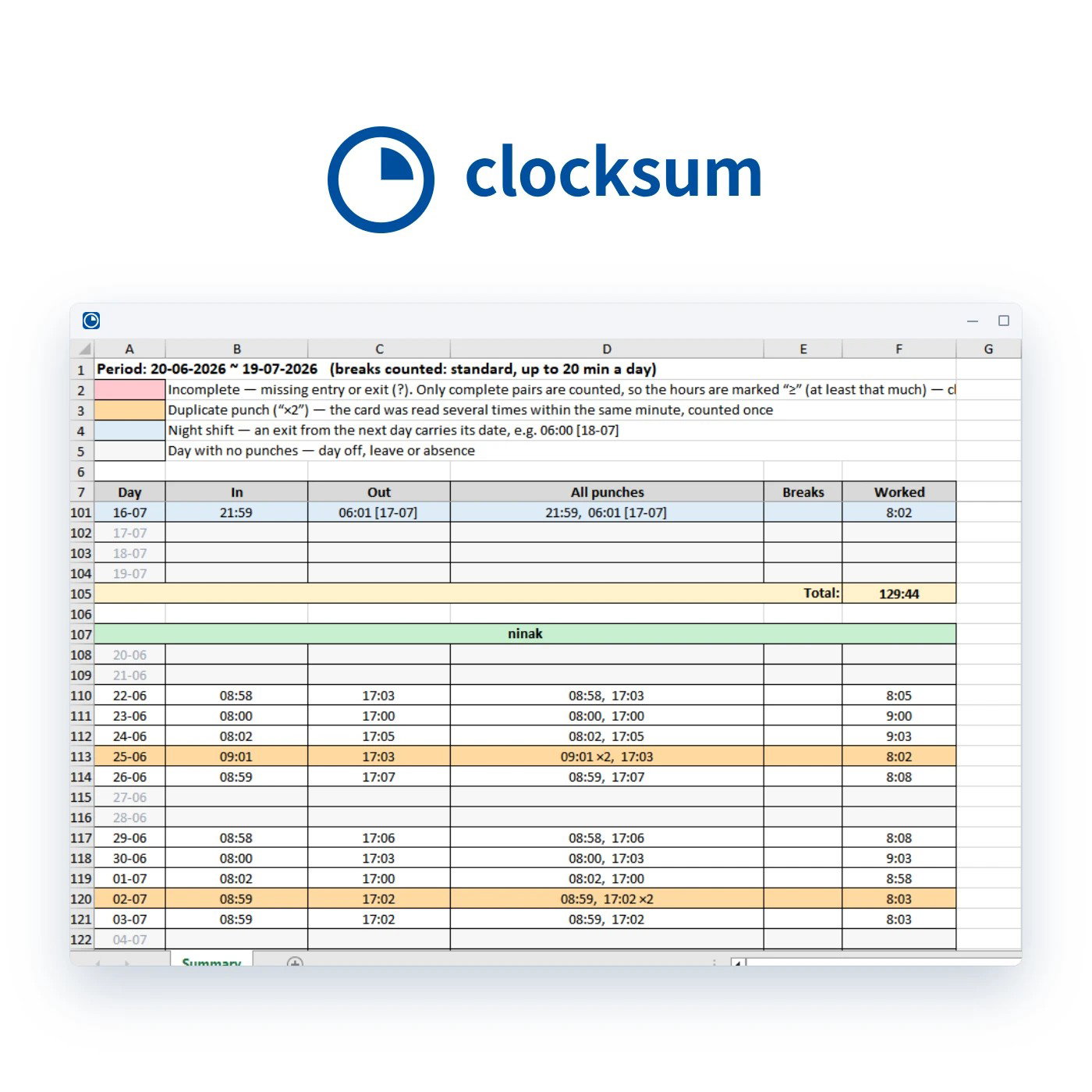
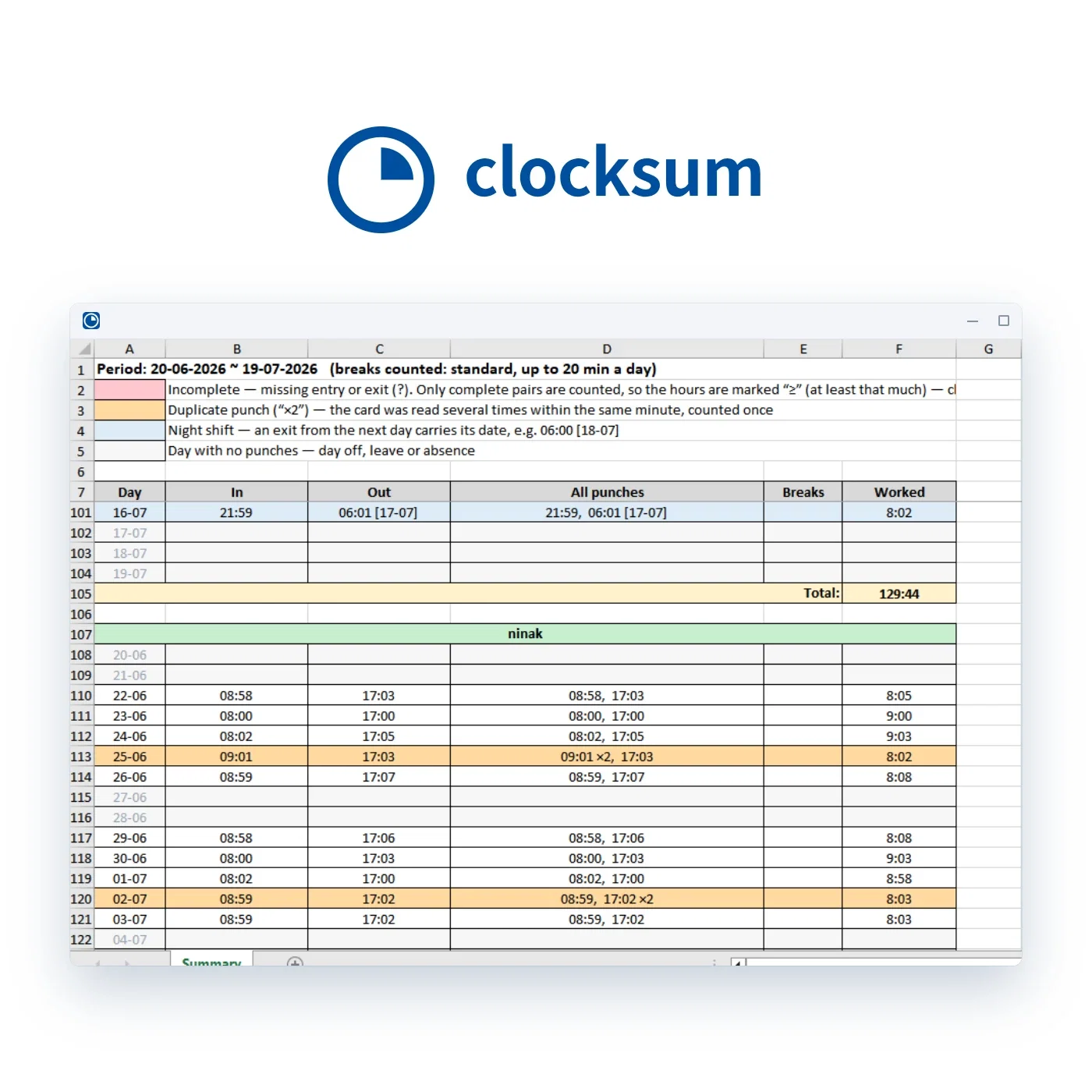
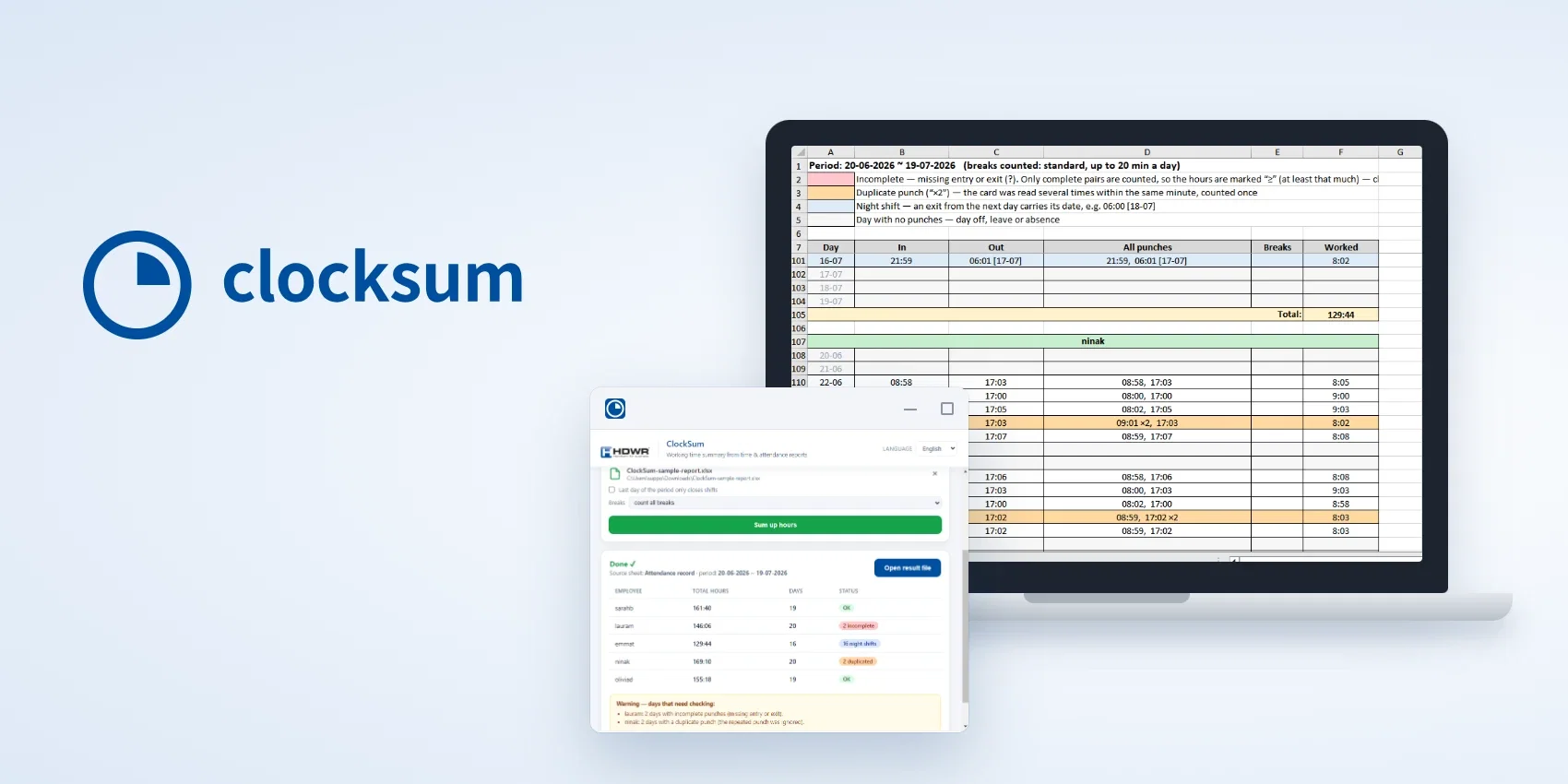
The result is a formatted .xlsx sheet with a separate block for each employee. Each row shows the day, the clock-in and clock-out time, all clockings of that day, breaks and the time worked, and the total hours close each person’s block. Time is counted to the minute and shown as hh:mm, without rounding.
At the top of the sheet, a colour legend explains the markings for incomplete days, duplicate clockings, night shifts and days without clockings. This way, anyone who opens the file after you immediately knows which days were counted in full and which need checking. You can open the summary in Excel, LibreOffice or Google Sheets.

ClockSum is a single portable file – it needs no installer or administrator rights and leaves nothing behind on the computer once closed. The program does not connect to the network at all: no account is required, the licence is not checked online and no data is sent. Your employees’ working time data stays on your computer.
The application is available for Windows 10 and 11 and Linux, and the interface and output file can be set to Polish, English or German. On first start, the program uses the system language, which you can change at any time. It also reads reports when the time recorder is set to a different language – it recognises the column headers in more than twenty languages.
When you buy ClockSum, you get a one-time licence for one computer – no subscription and no renewal. After you place your order, we will send the download link to your e-mail address. The download includes the Windows version (.exe file) and the Linux version (AppImage file). (CLOCKSUM)
The program reads Excel files (.xlsx and .xls) exported from time recorders in which the days are arranged in columns and the clocking times below them. We develop ClockSum for HDWR CTR series time recorders, but the clocking log is recognised by the layout of the file rather than the brand of the device, so reports from other time recorders are usually read correctly as well.
No. The report is only read, and the summary is saved as a new .xlsx file in the location you choose.
No. The program works fully offline – without an account, without online licence checks and without sending any data. You can also run it on a computer that has never been connected to the network.
No. The program gives the time worked by each employee, counted to the minute. Rates, allowances and overtime rules remain in the payroll system, where they can be checked against the employment contract.
That day will be marked in red, a “?” will appear in place of the missing clocking, and the hours from that day will not be added to the total, which will be marked with “≥”. The program also shows which employees and how many days are affected, so you know what to check.
After you place your order, we will send the download link to your e-mail address.



Reviews
There are no reviews yet.